


Contact us
Lorem ipsum dolor sit amet, consectetur adipiscing elit.

Power BI
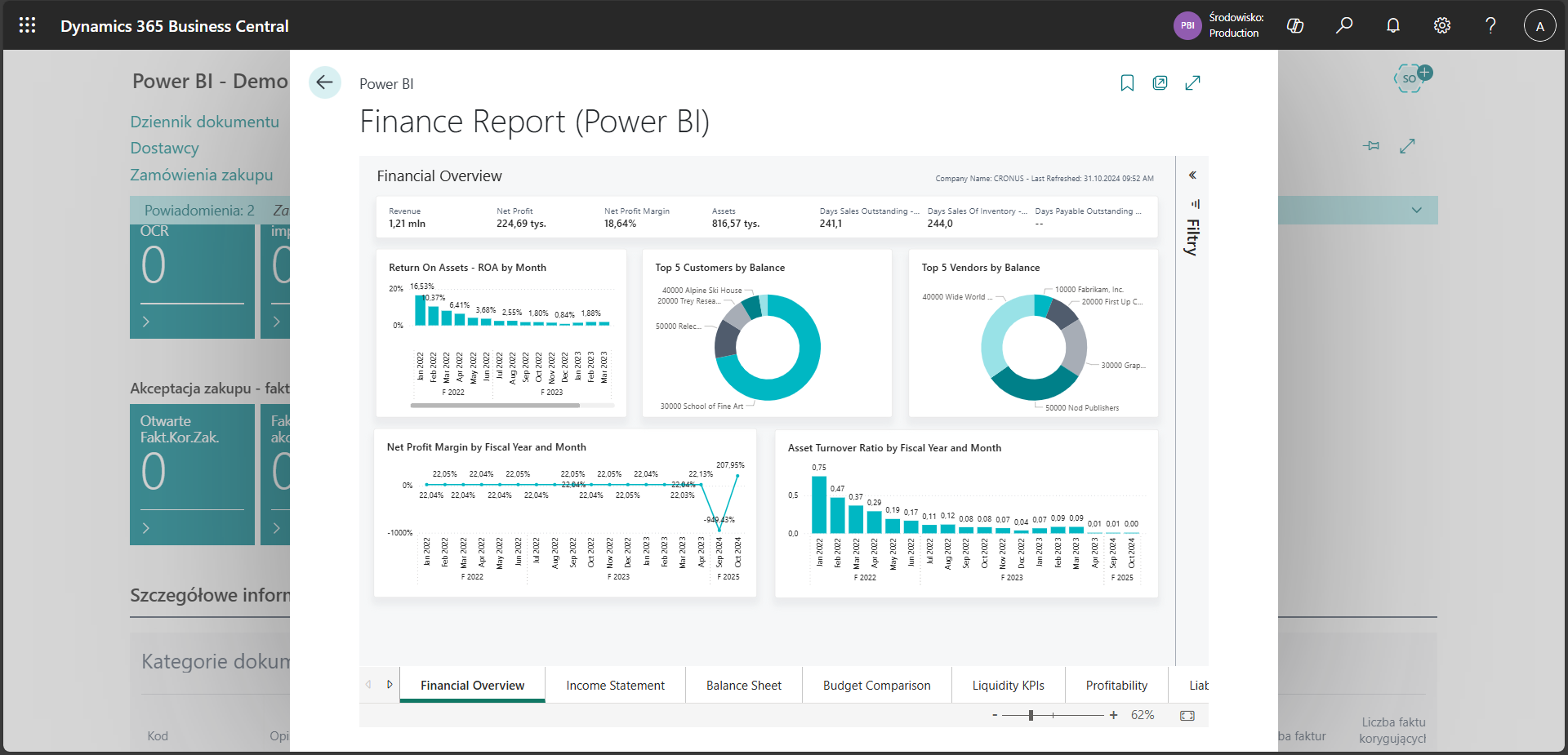
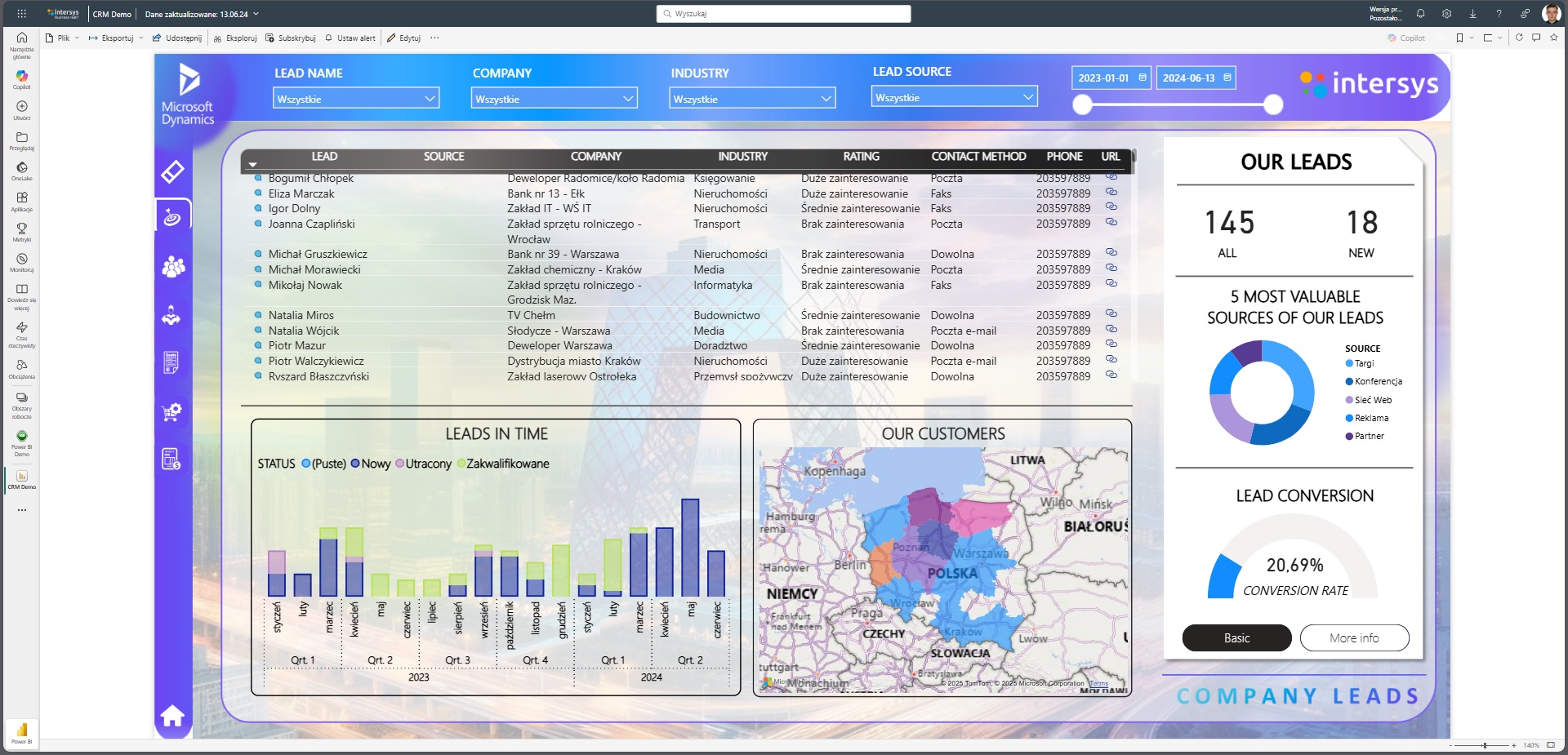
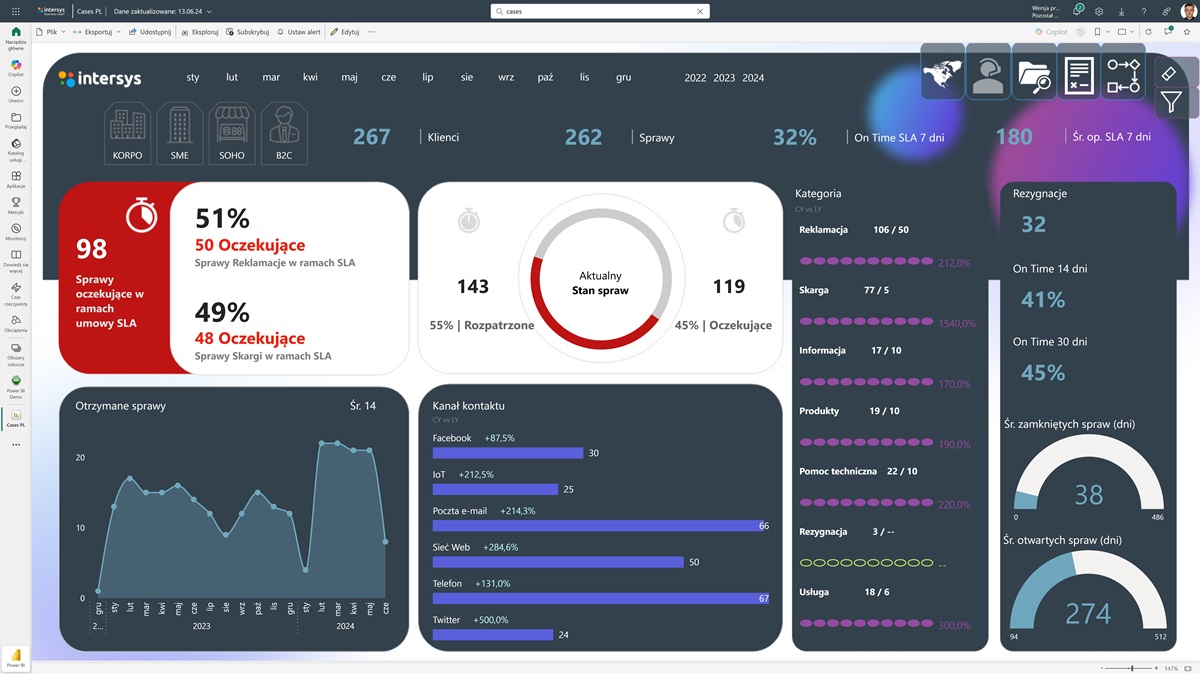
Power BI is a cutting-edge business intelligence tool from Microsoft that turns data into actionable decisions. With interactive reports, intuitive dashboards and analysis automation, Power BI lets you uncover hidden patterns and predict trends faster than ever before. Whether you're managing sales, finance, production or marketing, Power BI combines data from a variety of sources (Excel, SQL, ERP, CRM, cloud), organizes it and presents it in a clear format.
.png)


Instant access to data
Make decisions based on current information, not intuition
.svg)
Visualizations of your business
Clear dashboards make it easier to communicate data within the company

Reporting automation
No more manually creating reports in Excel
.svg)
Better control over business
Monitor sales performance, costs, team effectiveness in real time
Microsoft Power BI
Power BI is an analytical tool that allows you to quickly create interactive reports and dashboards based on data from various sources. It facilitates business decisions with clear visualizations and automatic data updates. It supports team collaboration, offers access from any device and guarantees a high level of security. The ideal solution for companies that want to manage data in a modern and efficient way.
Features
.svg)
Intuitive interface
- Friendly drag & drop interface - Ability to create dashboards and reports without programming

Integration with data sources
- Excellent integration with Microsoft 365, Dynamics 365, Azure, Excel - Supports hundreds of other data sources (SQL, SharePoint, Salesforce, Google Analytics, etc.)

Advanced visualization
- A wide selection of attractive visualizations (maps, charts, KPIs, interactive tables) - Ability to create your own custom visualizations

Auto-refresh data
- Schedule automatic refreshing of data from various sources - Data is always up-to-date without the need for manual intervention

Analytical functions of the DAX language
- Advanced analysis with the DAX (Data Analysis Expressions) language - Ability to create complex measures, filters and calculations
.svg)
High level of security
- Integration with Azure Active Directory and user-level access control - Ability to restrict access to data (Row-Level Security)
Explore our realizations


Linde Material Handling


H+H Poland


GM System
Learn about Power BI
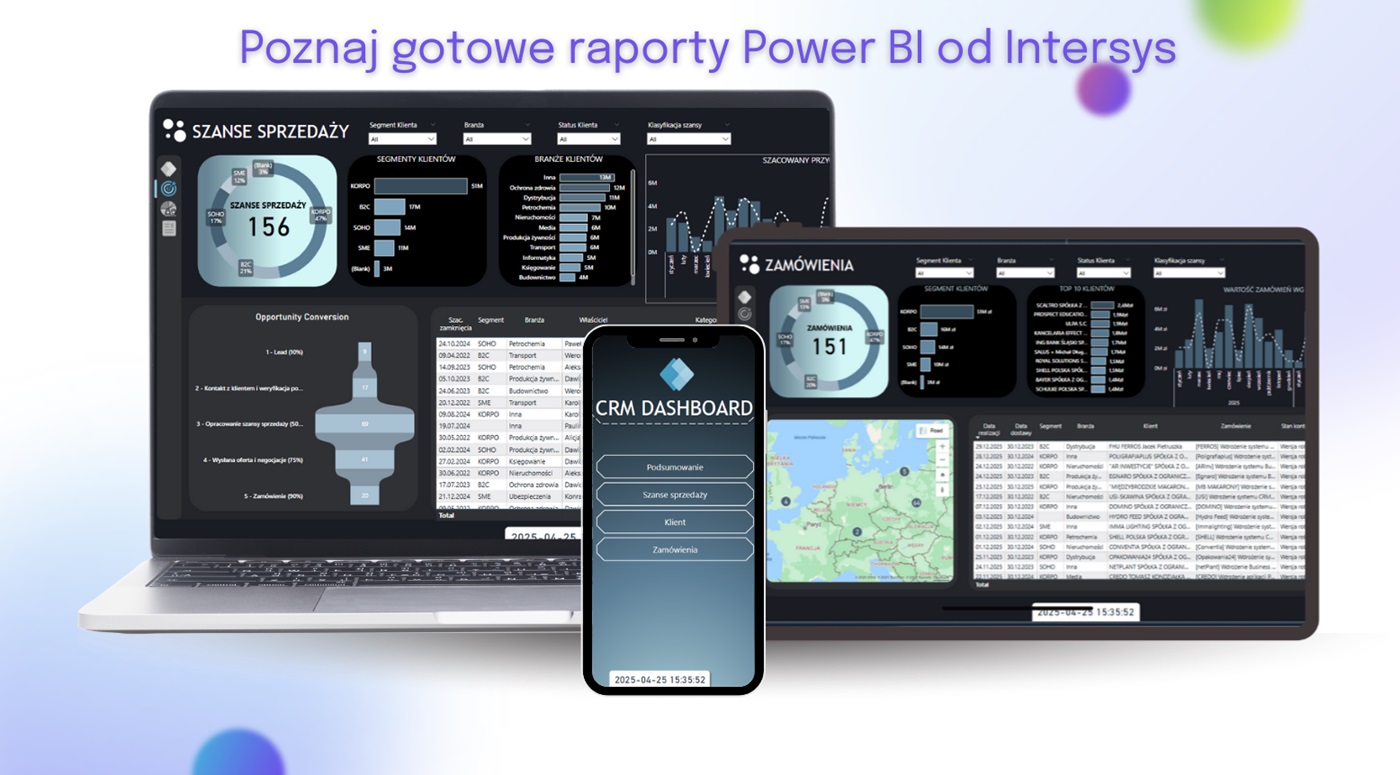
Want to see how it works in practice? Before you make a decision - test our Power BI report in action. We will provide you with a demo version based on sample data, thanks to which: check the interactivity and clarity of the dashboards, see how easy it is to filter data, analyze trends and draw conclusions.