.png)


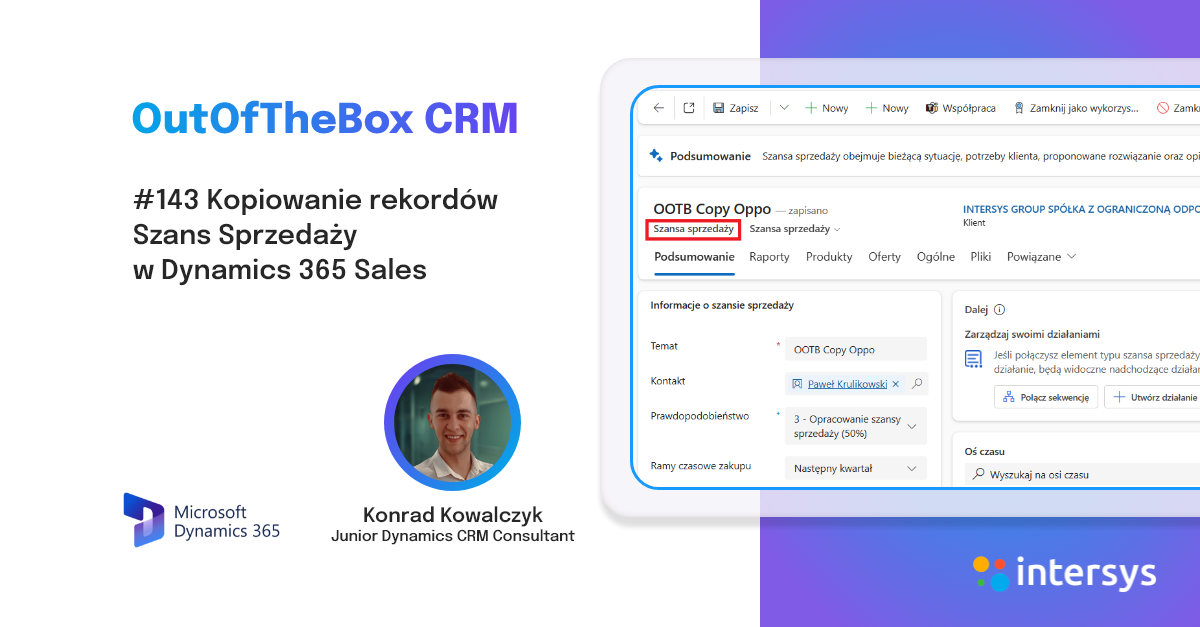
Widget Up Next
The Up Next widget displays activities that you can view and perform on records. By default, it appears on lead and opportunity records...
.png)

News within WAVE 1 2024 Business Central part 3.
In today's post in the OutOfTheBox series, I'd like to continue discussing changes to the projects module as part of the latest release of the Business Central 24 version - Wave 1 2024....


Marketing Calendar
Microsoft continues to develop its CRM tools, which help users better understand the system. There have been many recent updates to the application...

.png)
Microsoft Build 2024 - a summary of Microsoft's main objectives in the evolution and development of AI tools
This year's Microsoft Build conference took place May 21-23 and focused on the development of artificial intelligence, the practical application of AI, news in Co...

News within WAVE 1 2024 Business Central part 2.
In today's post in the OutOfTheBox series, I'd like to focus on some of the changes that have been made to the projects module within Wave 1 2024. These changes will strongly facilitate the work u...

Copilot: segment creation assistant for Microsoft Dynamics 365 Customer Insights Journeys
More on saving time. Today, we’ll look at one of the core features of marketing automation tools: creating target groups. A common headache and...
.png)

News within WAVE 1 2024 Business Central part 1.
The latest version of Business Central has a number of new features in the area of applications, or UX. In a previous post about Business Central Wave 1 2024,...


Copilot campaign building assistant in Microsoft Dynamics 365 Customer Insight Journeys
It’s starting to sound more and more obvious, but we’re talking about facts. Business AI should help save employees’ valuable time. Marketing is a department...

Price list and discount management in Business Central
The BC solution allows us to effectively manage price lists and discounts, which is very important in a dynamically changing market. Thanks to the price lists, we can set indy...

.png)
Business Central Wave 1 2024
As it does every year, Microsoft has announced a number of new features in Dynamics 365 Business Central as part of Wave 1 2024, as planned, which will be made available between q...

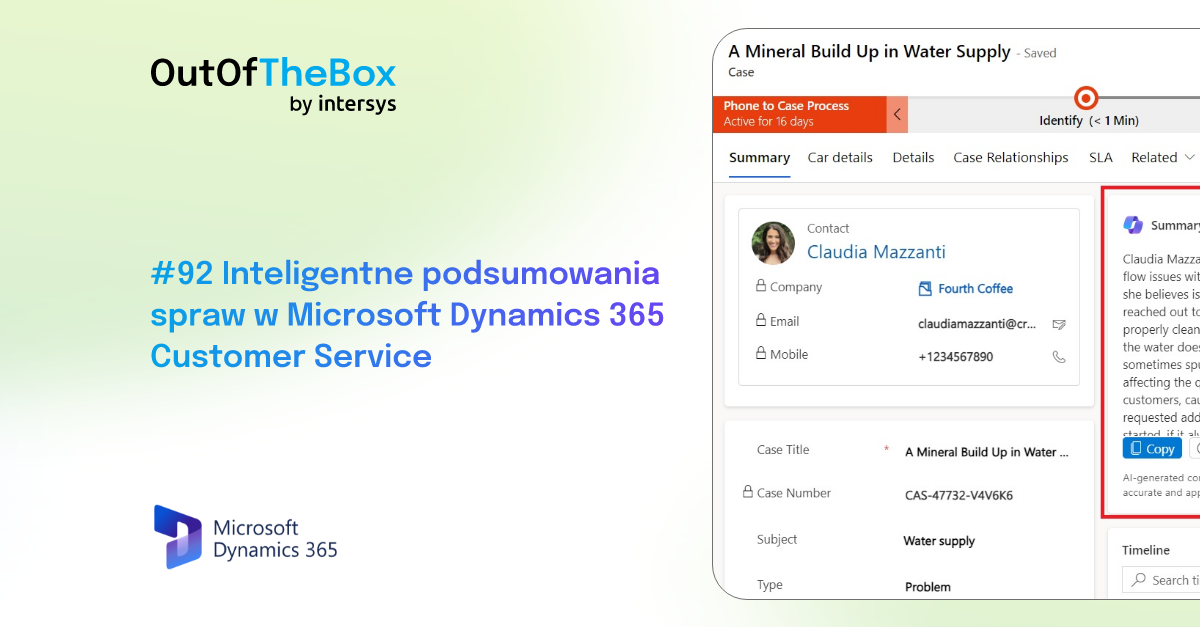
Intelligent case summaries in Microsoft Dynamics 365 Customer Service
In customer service, speed is what counts. Speed in responding and delivering solutions—which, of course, goes hand in hand with quality. You can’t achieve speed and quality without...
.png)
AI DEV DAY - conference summary
A conference on artificial intelligence and its applications, or AI DEV DAY, was held at Microsoft's headquarters on 25.03. It was not exclusively a sur...