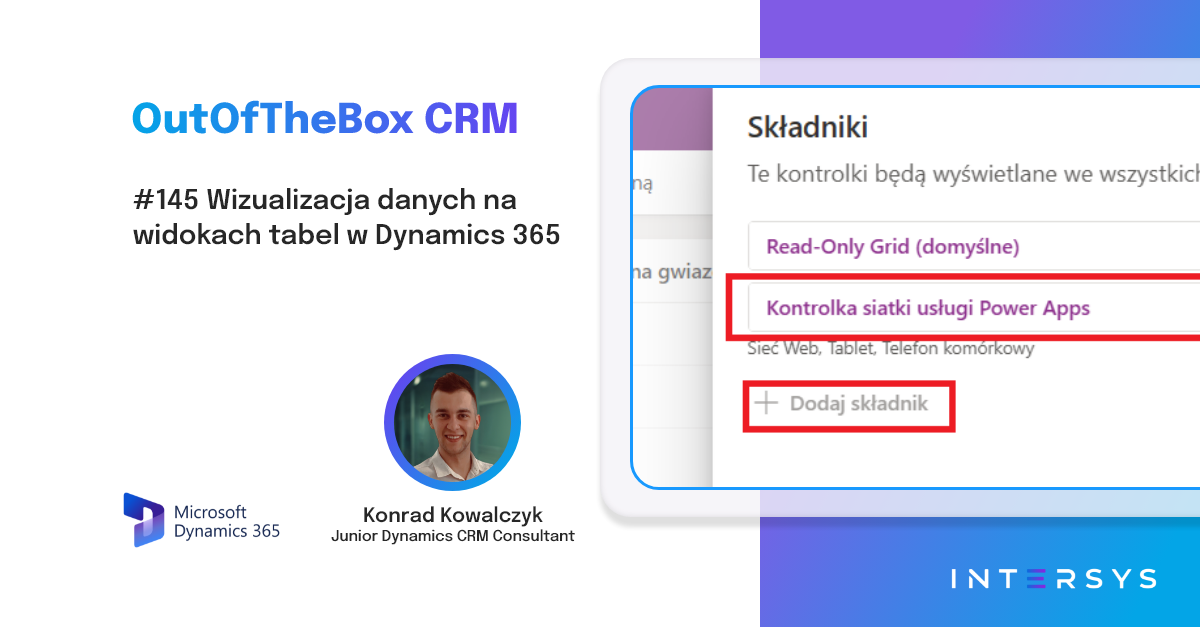
📊 Data Visualization in Table Views in Dynamics 365
Do you have too much data in your views and need to analyze dozens of numerical values to identify the most important information? Microsoft is introducing a new feature:...
Published
7.10.2026

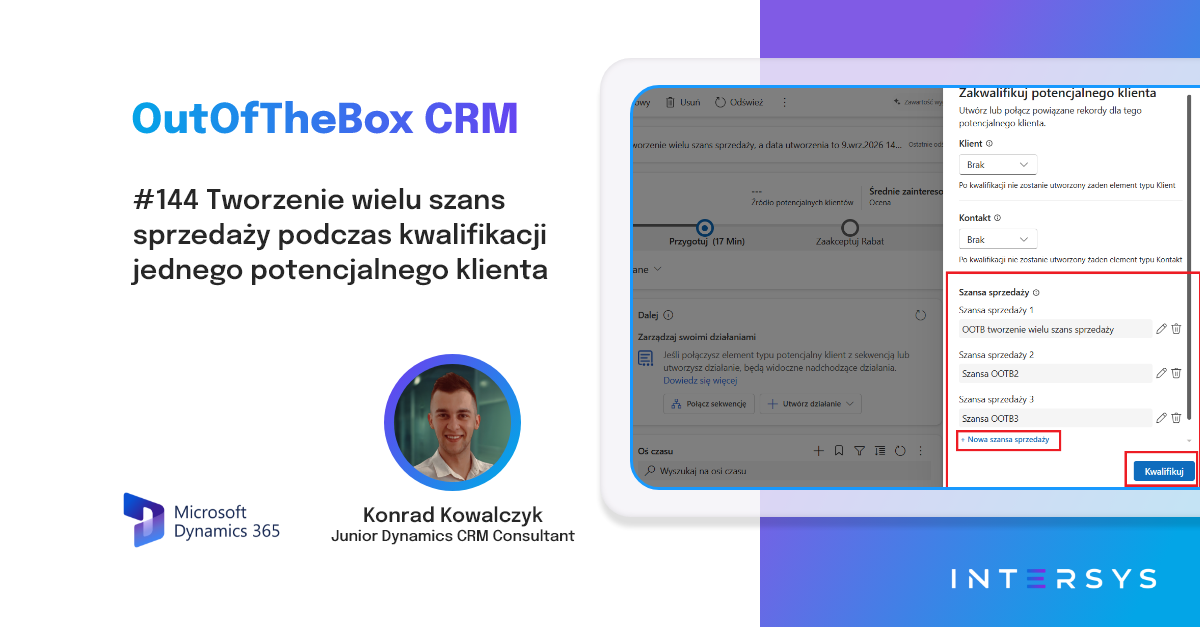
🔀 Create multiple sales opportunities while qualifying a single lead
A common occurrence in salespeople's daily lives is leads that generate more than one sales process. For example, a customer calls and is interested in a subscription...
Published
11.9.2026
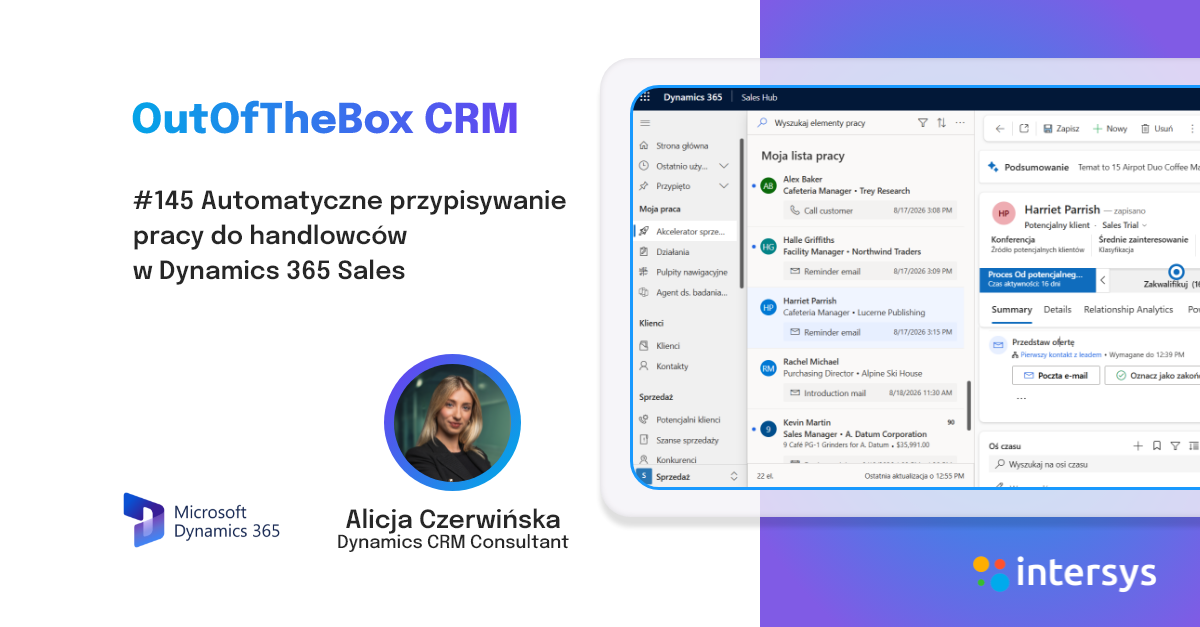
📥 Automatic Assignment of Work to Sales Reps in Dynamics 365 Sales
Who should handle a new lead? This is a question that arises practically every day in many organizations. A new lead enters the system. Someone has to take it over, check it out...
Published
26.8.2026

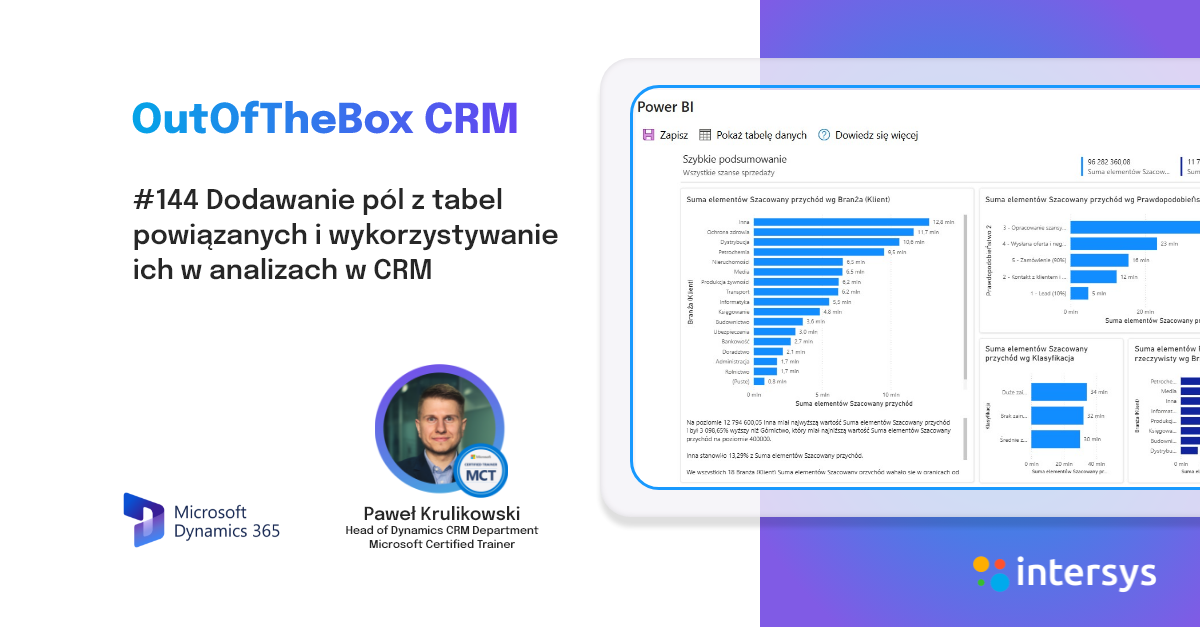
🧩 Adding Fields from Related Tables and Using Them in CRM Analyses
Nothing can replace multi-level reports. Full metrics, connections, and structured data. However, there are situations where, operationally, as CRM users, we need to...
Published
12.8.2026
.png)
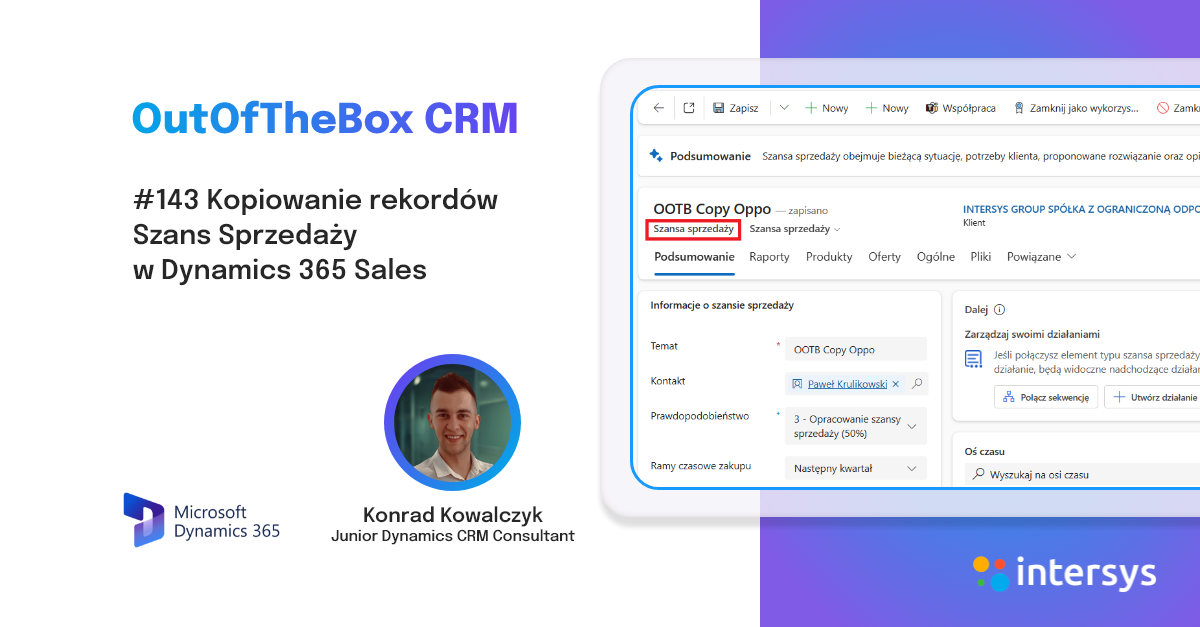
➕ Copying Sales Opportunities Records in Dynamics 365 Sales
Many people have undoubtedly experienced situations at work where they needed to manually transcribe data from one sales opportunity to another. Manually transcribing data on m...
Published
29.7.2026
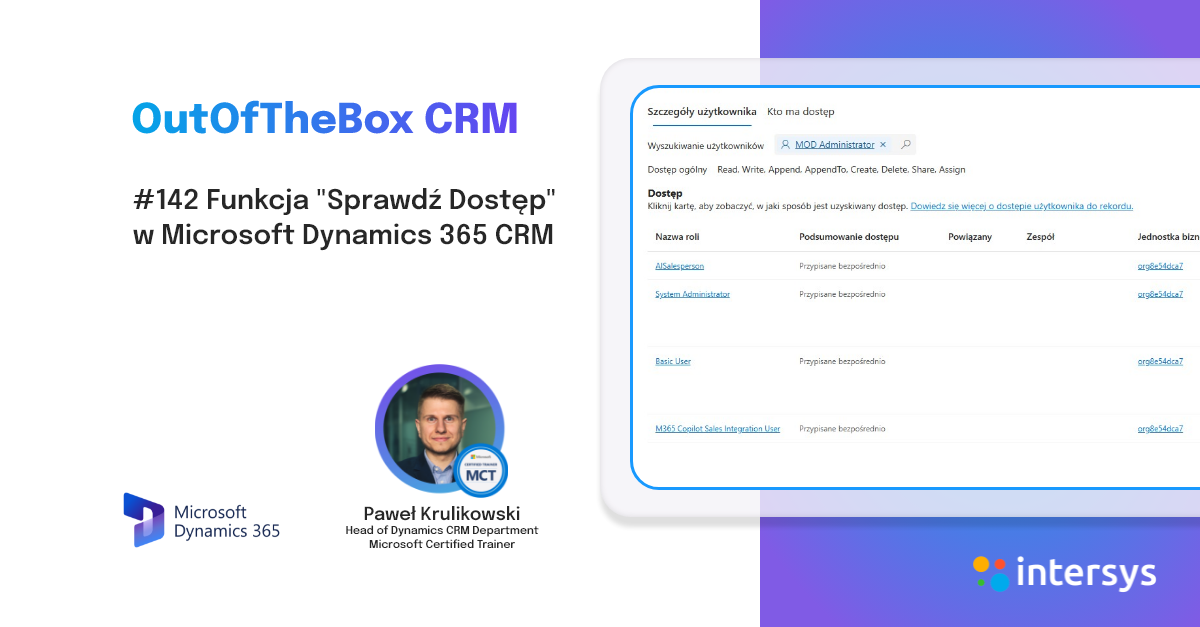
🔐 The "Check Access" feature in Microsoft Dynamics 365 CRM
As a system administrator or business administrator, we often face difficult questions: Why does a user have access to a given client? Why does a given schedu...
Published
15.7.2026
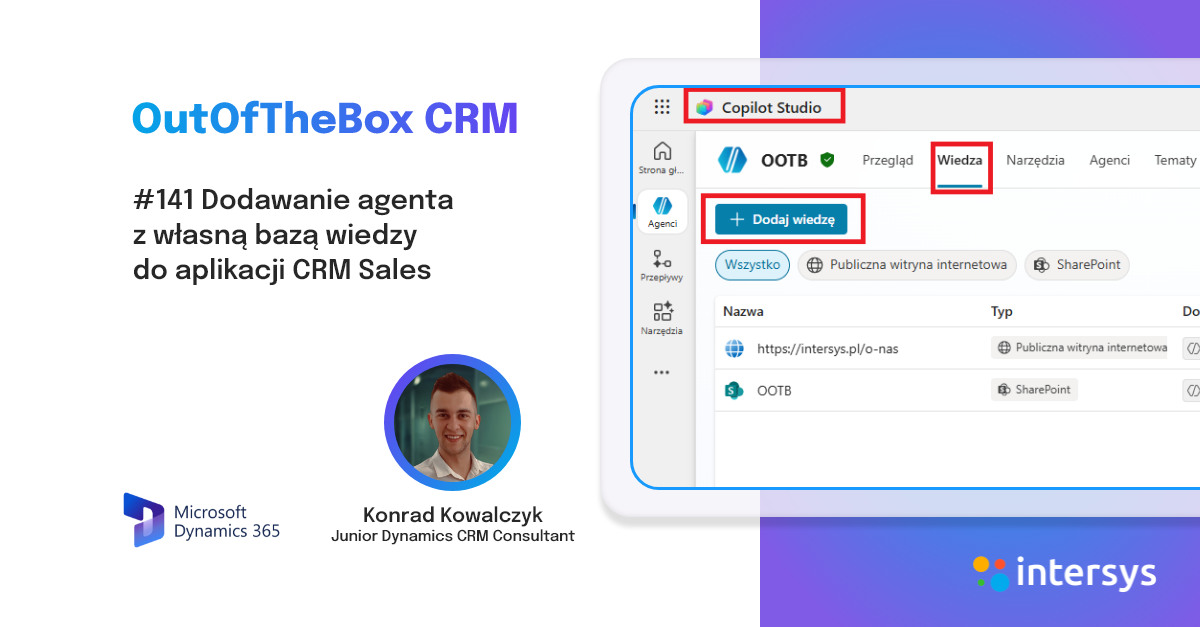
👷 Adding an agent with their own knowledge base to the Sales CRM application
Creating an agent in Copilot Studio doesn't have to be difficult. Microsoft is increasingly offering more options for creating AI helpers. Organizations can now select agents...
Published
2.7.2026
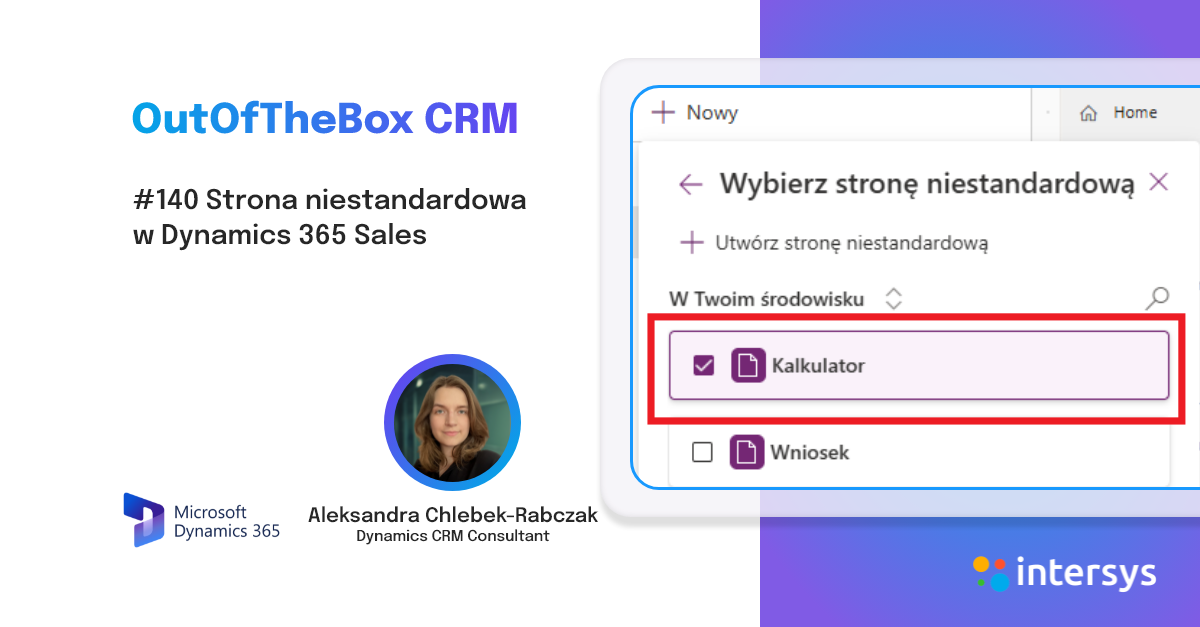
🛠️ Custom Page in Dynamics 365 Sales
In organizations using Dynamics 365 Sales or Customer Service, users primarily work in data model-driven applications. These provide...
Published
17.6.2026
.png)
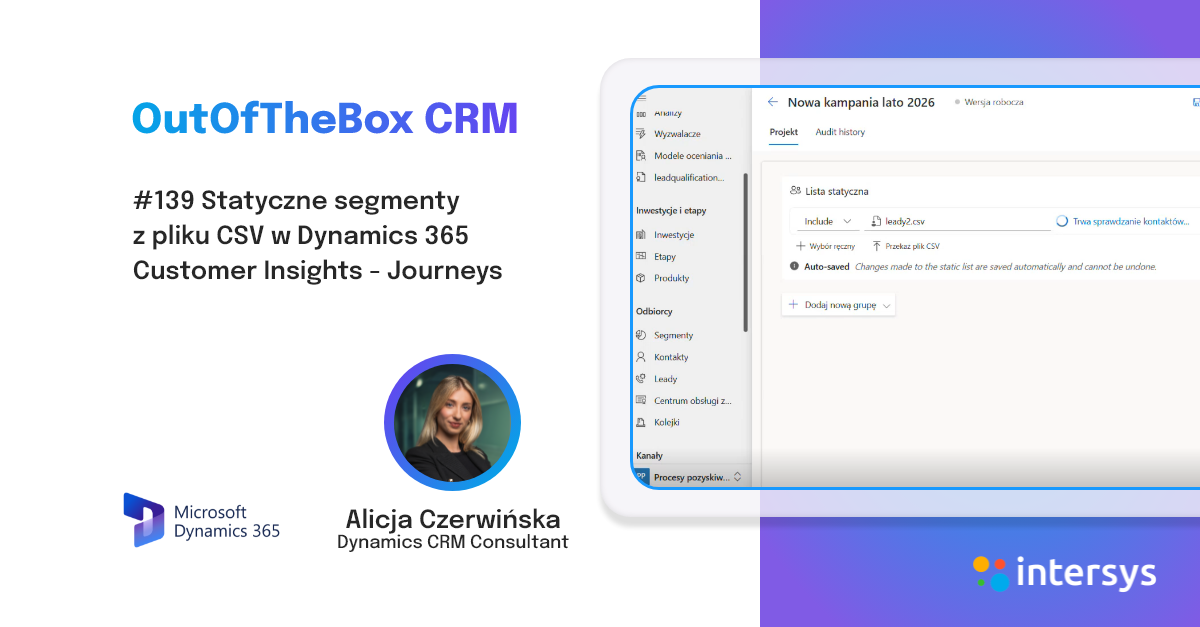
🧩 Static segments from a CSV file in Dynamics 365 Customer Insights - Journeys
The same scenario often occurs in the daily work of marketing departments. The event organizer sends a list of conference attendees. The sales department exports...
Published
3.6.2026
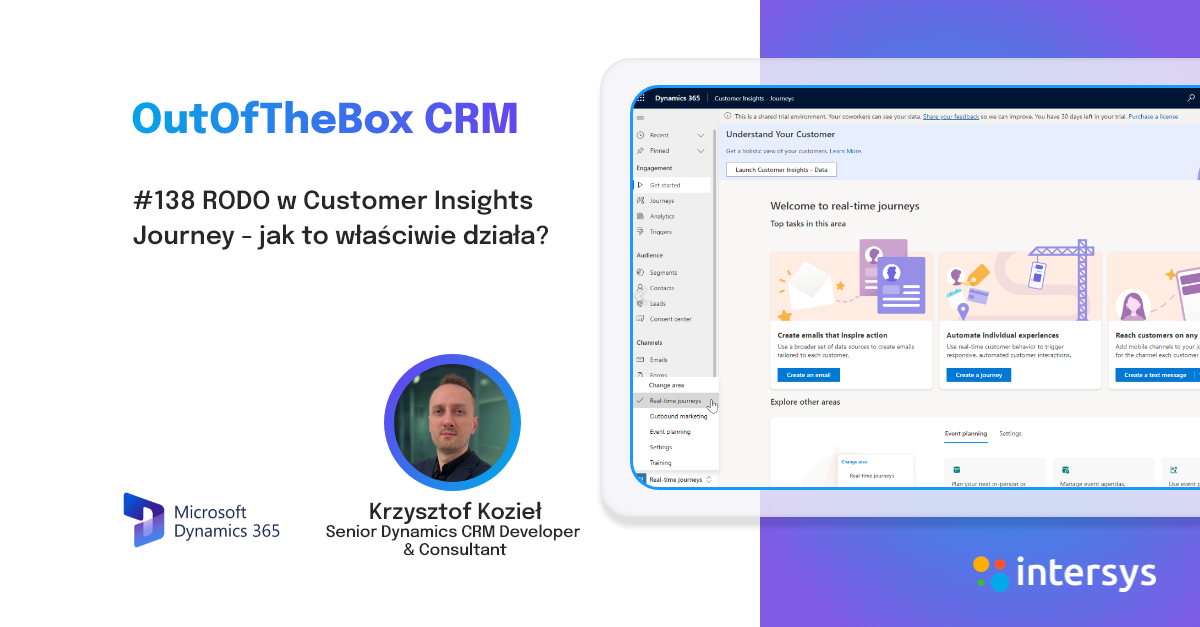
🔐 GDPR in Customer Insights Journey - how does it actually work?
In Customer Insights Journey, message sending is subject to consent checks. The system doesn't just check whether a contact exists in the database—it checks whether a specific point of contact...
Published
20.5.2026
.png)

🔠 Microsoft 365 Copilot Chat - new AI capabilities in Dynamics 365 Sales
Microsoft is expanding AI capabilities in Dynamics 365 Sales, and one of the new capabilities currently available in preview is Microsoft 365 Copilot Chat. This feature allows you to...
Published
6.5.2026
%20(1080%C3%971500%20px)%20(1000%C3%971400%20px)%20(600%C3%97600%20px)%20(7).png)
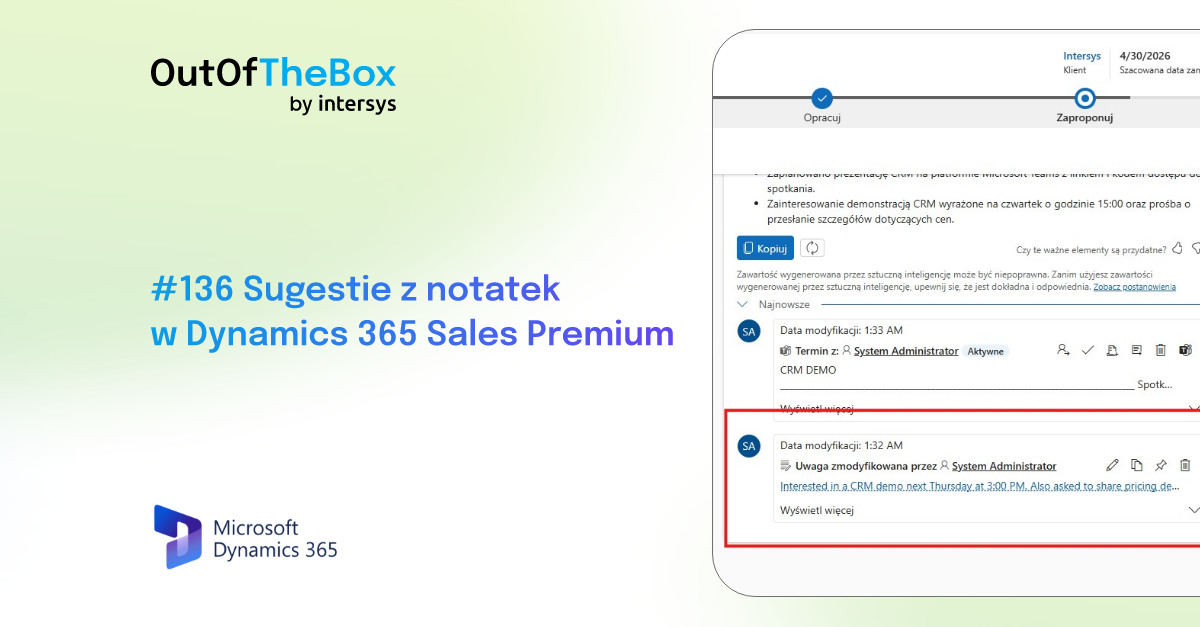
📝 Note Suggestions in Dynamics 365 Sales Premium
AI is now a daily part of our work. Assistants, autonomous bots, and supported processes. One of the next features available in Dynamics 365 Sales Premium is suggestions from...
Published
22.4.2026
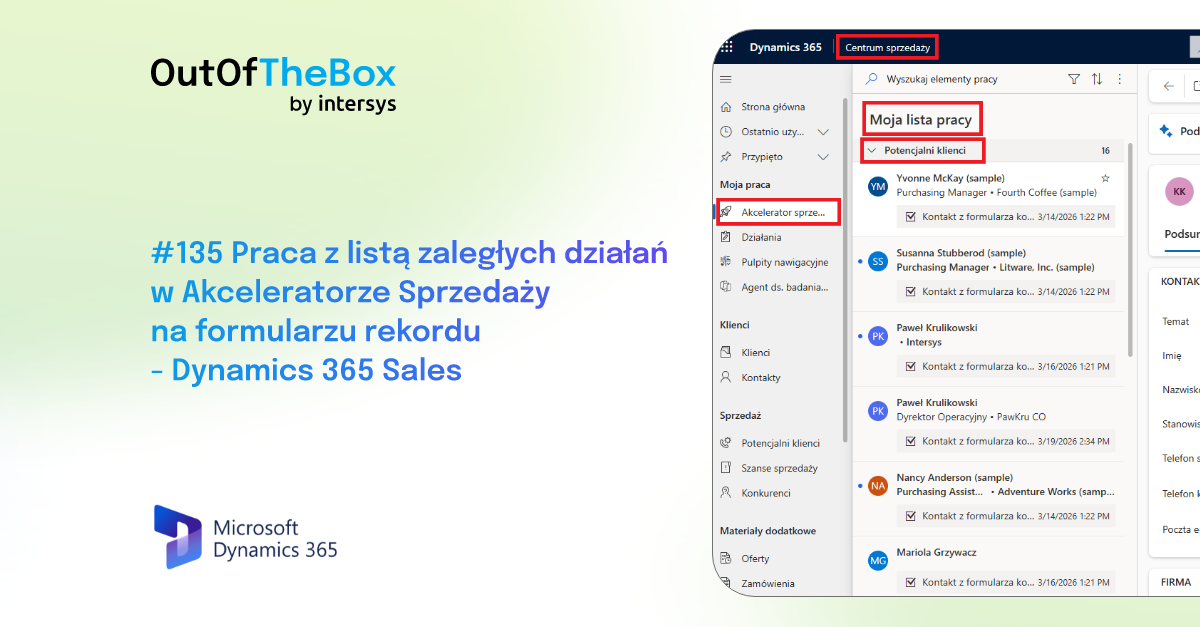
📝 Working with the list of pending tasks in the Sales Accelerator on the record form - Dynamics 365 Sales
Dynamics 365 Sales includes a tool that helps salespeople stay on track in their daily work: the Sales Accelerator. Its key feature is a visible...
Published
25.3.2026
%20(1).png)
👩🎨 Large-Scale Personalization: How Data from Multiple Sources Builds a Competitive Advantage
In an age of widespread access to information, customers expect more from salespeople than just a product presentation. They expect a partnership and an understanding of their specific...
Published
23.3.2026
.png)
![💸 How to Prepare Your Sales Team for AI Implementation? [A Guide for Managers]](https://cdn.prod.website-files.com/6386127b313c19ec555df02a/69b8074cd344164299067f67_wpisy%20blogowe%20(4)%20(1).png)
💸 How to Prepare Your Sales Team for AI Implementation? [A Guide for Managers]
Implementing artificial intelligence in the sales department is not just a technological project, but above all a cultural shift. Even the most advanced tool...
Published
19.3.2026
.png)
🎯 No more wasted efforts. Automatic lead qualification in Microsoft Dynamics 365
Every sales manager is familiar with this scenario: a sales rep spends hours preparing for the meeting, analyzing the client’s profile, and making contact, only to find that after five minutes of the meeting...
Published
16.3.2026
.png)
🤖 How can you boost sales effectiveness without expanding your team? The role of AI agents
In the world of modern business, the pressure to increase revenue is constant. For years, the recipe for success seemed simple: want to sell more? Hire more salespeople...
Published
13.3.2026
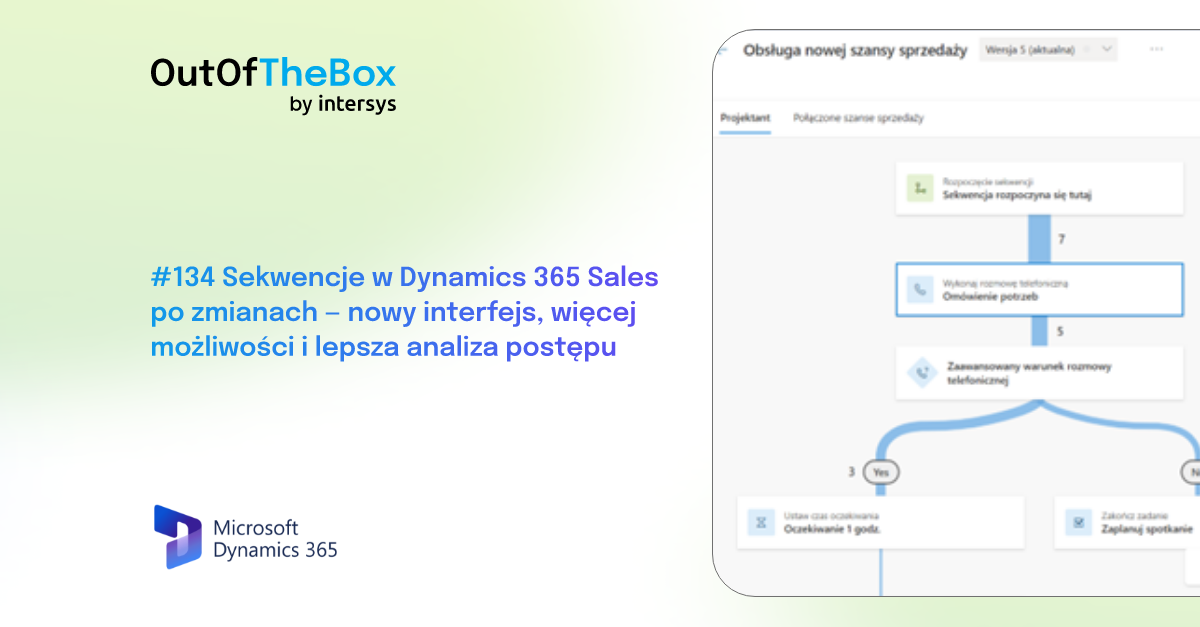
🆕 Sequences in Dynamics 365 Sales after the updates—a new interface, more features, and improved progress tracking
A while back, Paweł Krulikowski demonstrated how a sales accelerator works and how to configure sequences in Dynamics 365 Sales using an older version of the interface. Today, this...
Published
12.3.2026
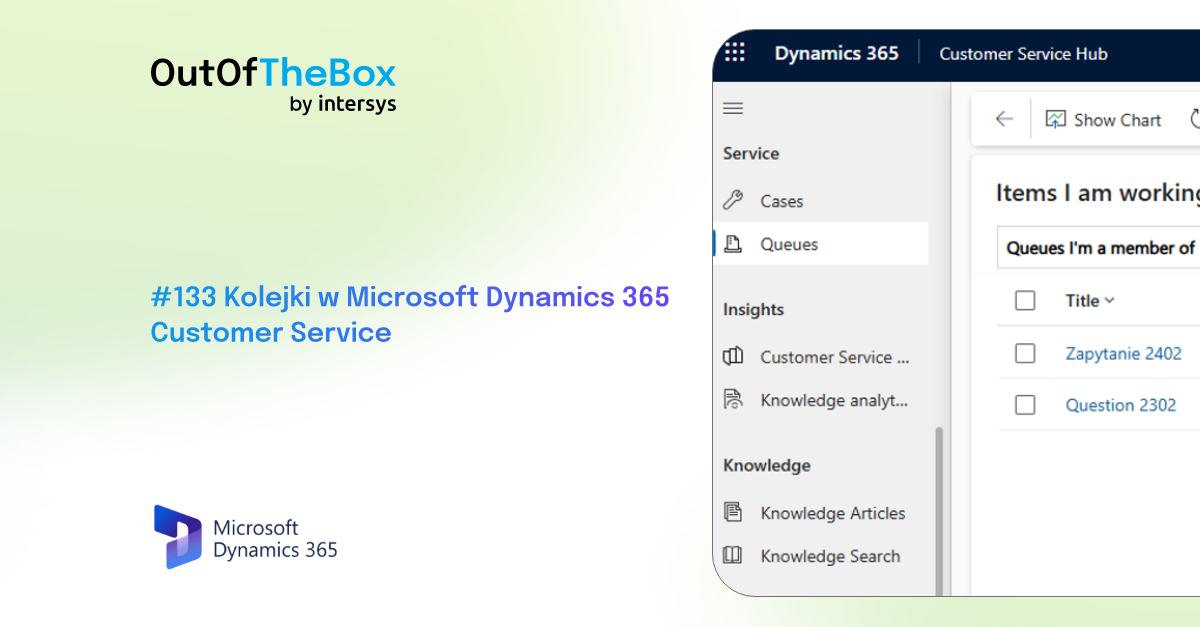
⏳ Queues in Microsoft Dynamics 365 Customer Service
As the number of customers grows and communication channels multiply like tabs in a browser, handling inquiries starts to feel like a command center 🚦📞💬
Phone, email...
Published
25.2.2026

How to close more deals? Copilot as a personal assistant for every salesperson
Microsoft Copilot, integrated with Dynamics 365 Sales, is more than just an information search tool. It is an active participant in the process, supporting the sales representative like a personal AI assistant.
Published
22.2.2026

🎯 Automation in Customer Service: 5 practical tips
Automation in customer service is more than just a trend today—it’s a necessity in a world that expects fast, personalized, and efficient service at every turn. New...
Published
16.2.2026
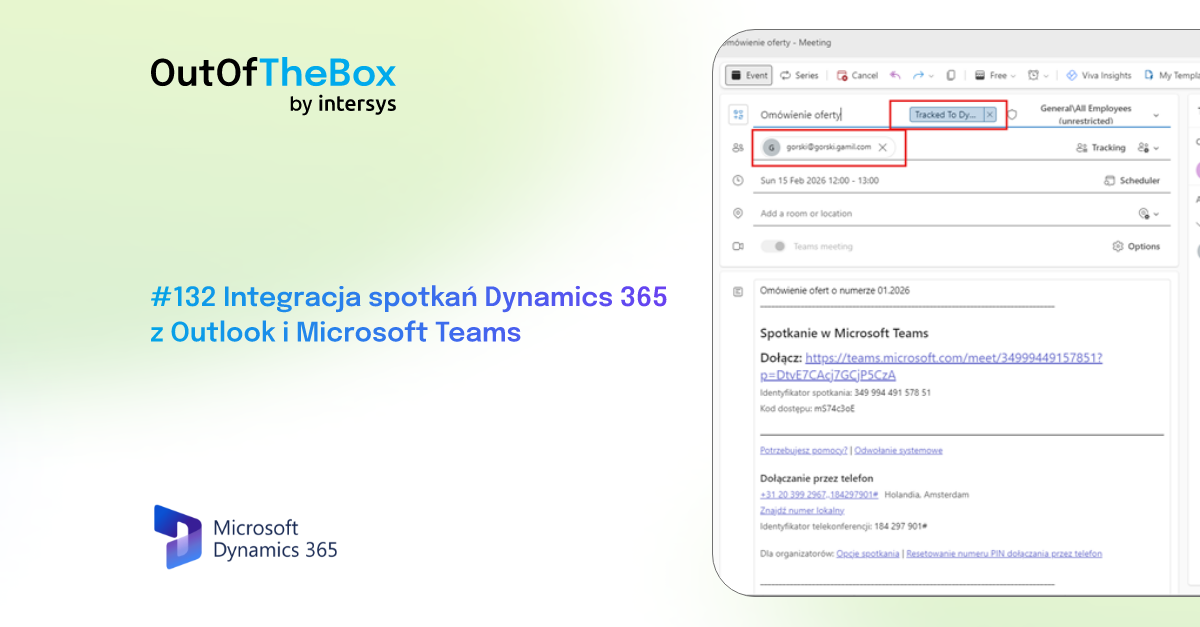
🔄️ Integration of Dynamics 365 meetings with Outlook and Microsoft Teams
In the sales department, effective time management and full visibility into customer interactions are key to success. Sales representatives use several tools simultaneously...
Published
11.2.2026
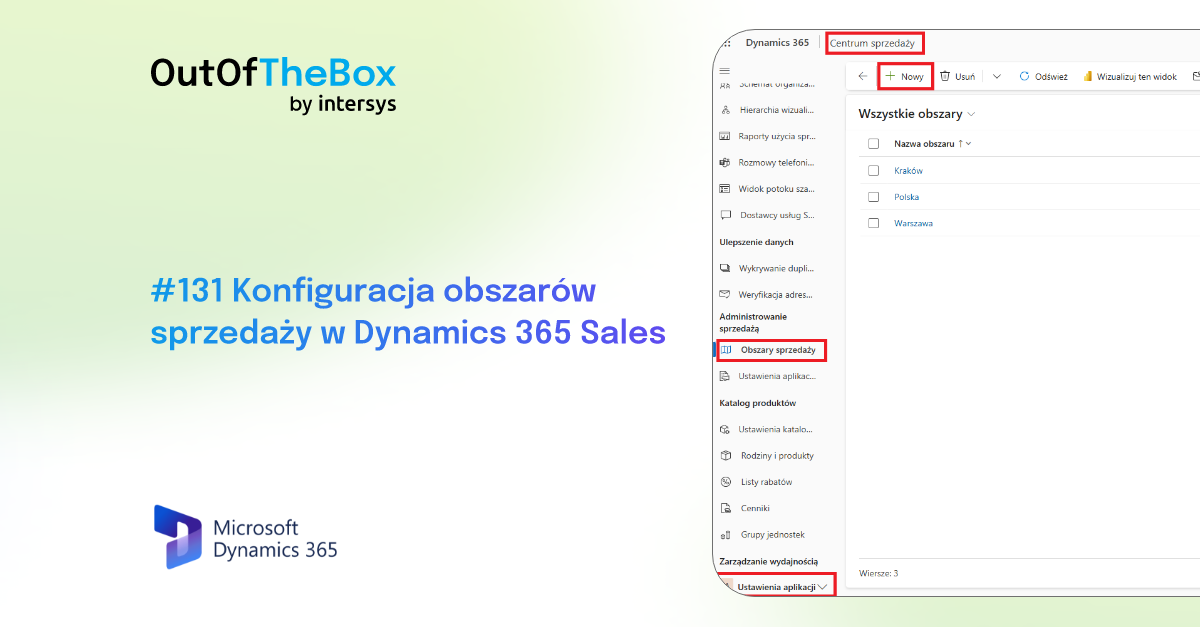
👩🔧 Configuring sales territories in Dynamics 365 Sales
In the world of sales, good organization and a clear division of responsibilities are the cornerstones of success. When teams operate within defined areas, it’s easier for them to build relationships...
Published
21.1.2026
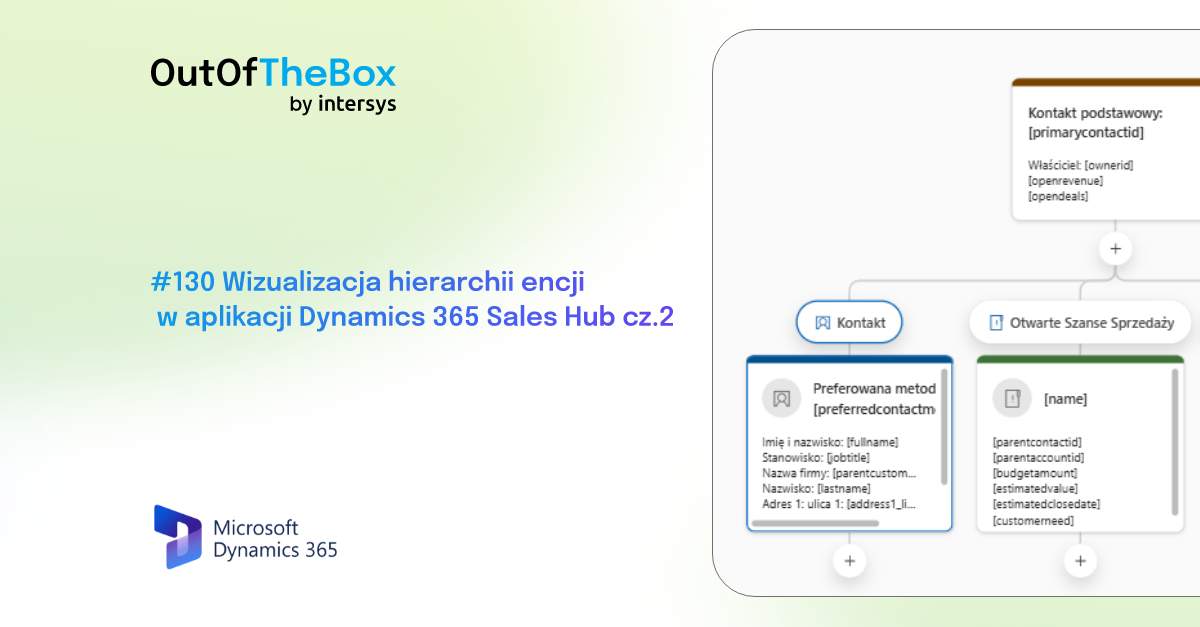
💸 Visualization of entity hierarchy in Dynamics 365 Sales Hub, part 2
The entity hierarchy visualization in Dynamics 365 Sales received the previously announced update before the end of the year. From now on, users can work with all related entities...
Published
31.12.2025
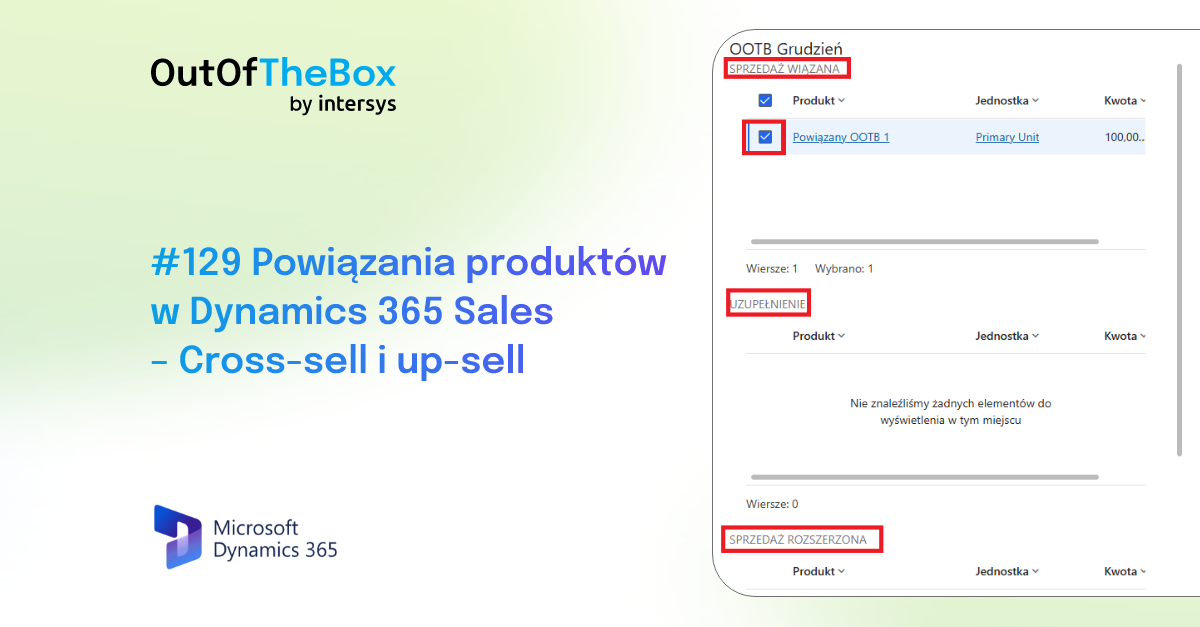
🔗 Product relationships in Dynamics 365 Sales – Cross-sell and up-sell
In the world of sales, every detail matters. Attracting customers with different product combinations or creating an incentive by adding a bonus item can result in...
Published
17.12.2025
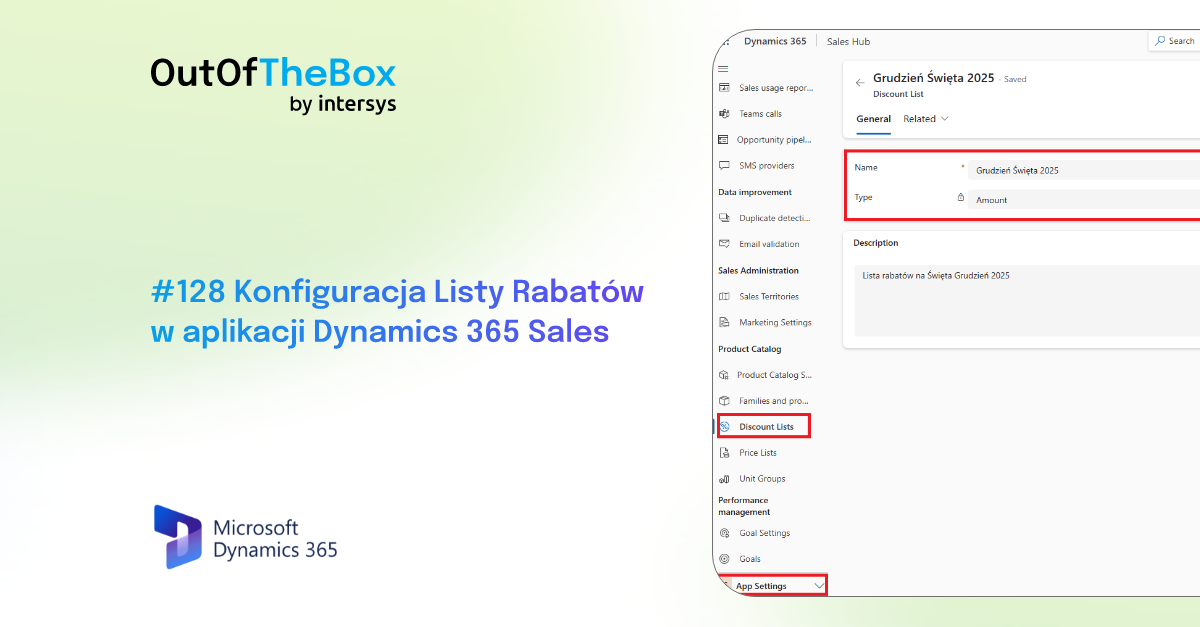
🤑 Configuring Discount Lists in Dynamics 365 Sales
The holiday season, with its hot deals and shopping, has begun. In December, consumption and shopping reach their peak, and this is often a considerable challenge for people who work in sales...
Published
3.12.2025

🪪 Passes on event registration forms in Dynamics 365 Customer Insights - Journeys
Another new feature implemented by Microsoft in the Dynamics 365 Customer Insights application, Journeys, which relates to the Events entity. From now on, when planning an event...
Published
19.11.2025

🗓️ Scheduling events with a fixed registration period in Microsoft Dynamics 365 Customer Insight Journey
Have you ever held an event where potential attendees registered through a marketing form and did so at the "last minute"? These...
Published
29.10.2025
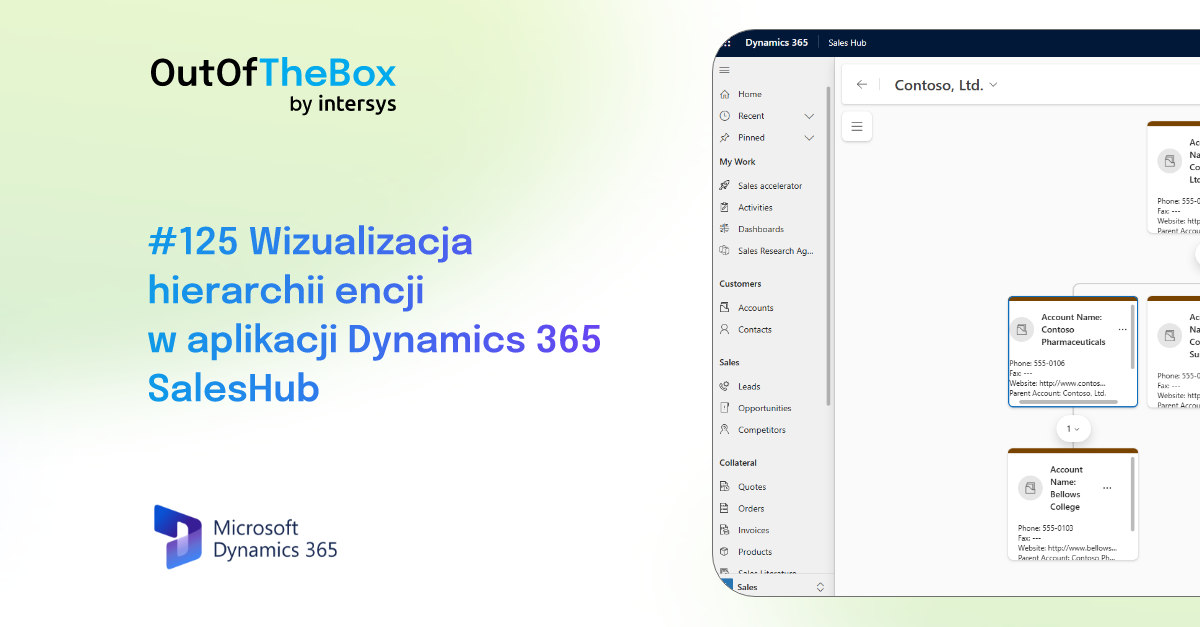
Visualize entity hierarchy in Dynamics 365 Sales Hub application
There's been a lot going on lately in updates from Microsoft in terms of new visual customizations of Dynamics 365 applications. A new feature that recently appeared in apl...
Published
15.10.2025

Modern design in Dynamics 365 applications - Refresh the header and navigation menu
It has been noticeable for quite some time now that Microsoft has been planning changes regarding the interface issue in its application sites. We have a new look, which additionally zos...
Published
30.9.2025

View the number of marketing forms submitted in Dynamics 365 Customer Insights Journeys
We've been getting more and more recently of the functionality that is available in the Dynamics 365 Customer Insight Journey (former Marketing) application. For quite a few updates...
Published
10.9.2025
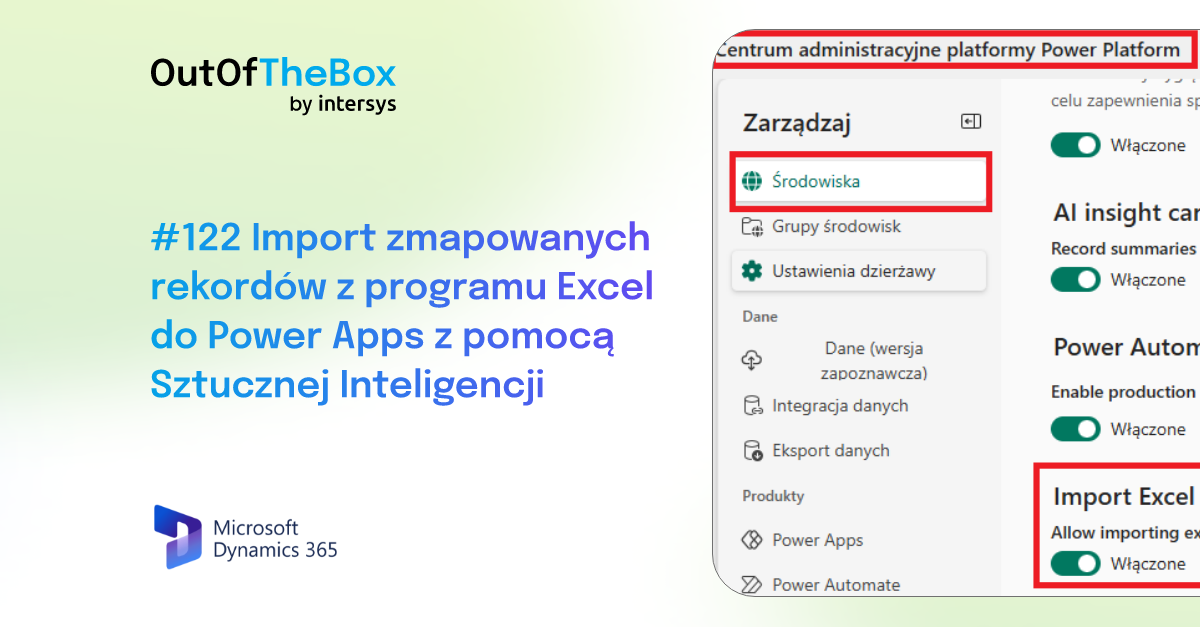
Import mapped records from Excel into Power Apps with the help of Artificial Intelligence
Simple solutions may seem most useful to users who use Dynamics 365 application services. Microsoft is constantly trying to help in the daily...
Published
27.8.2025
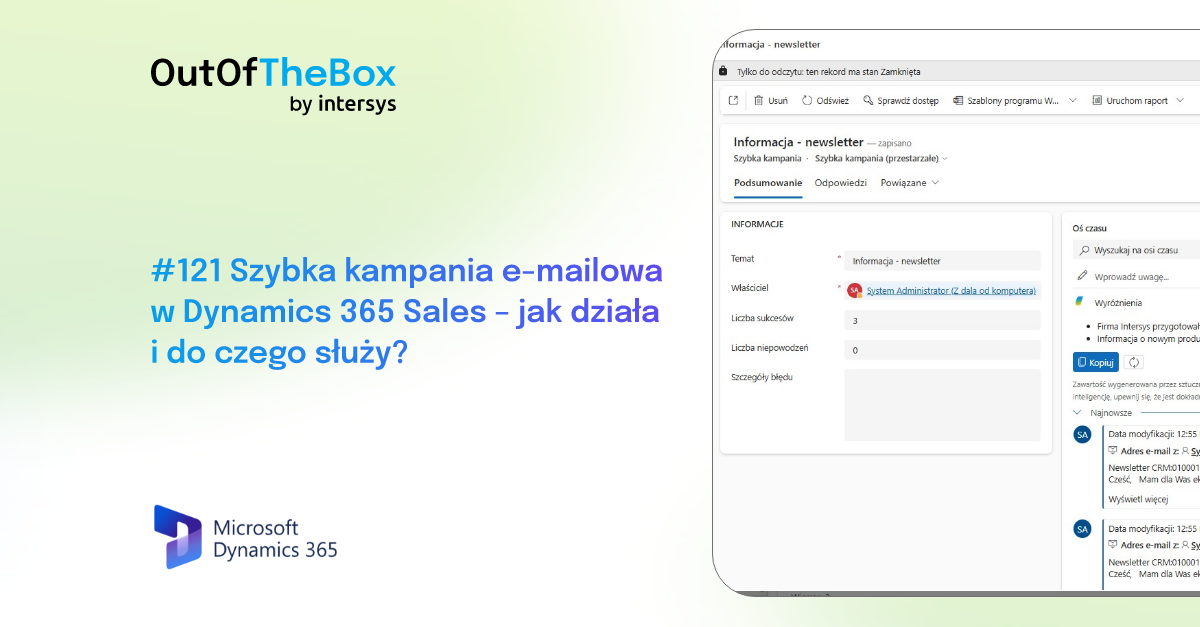
Quick email campaign in Dynamics 365 Sales - how does it work and what is it used for?
The Quick Campaign feature in Dynamics 365 Sales is a practical tool that allows you to instantly send emails to selected contacts without having to use...
Published
13.8.2025
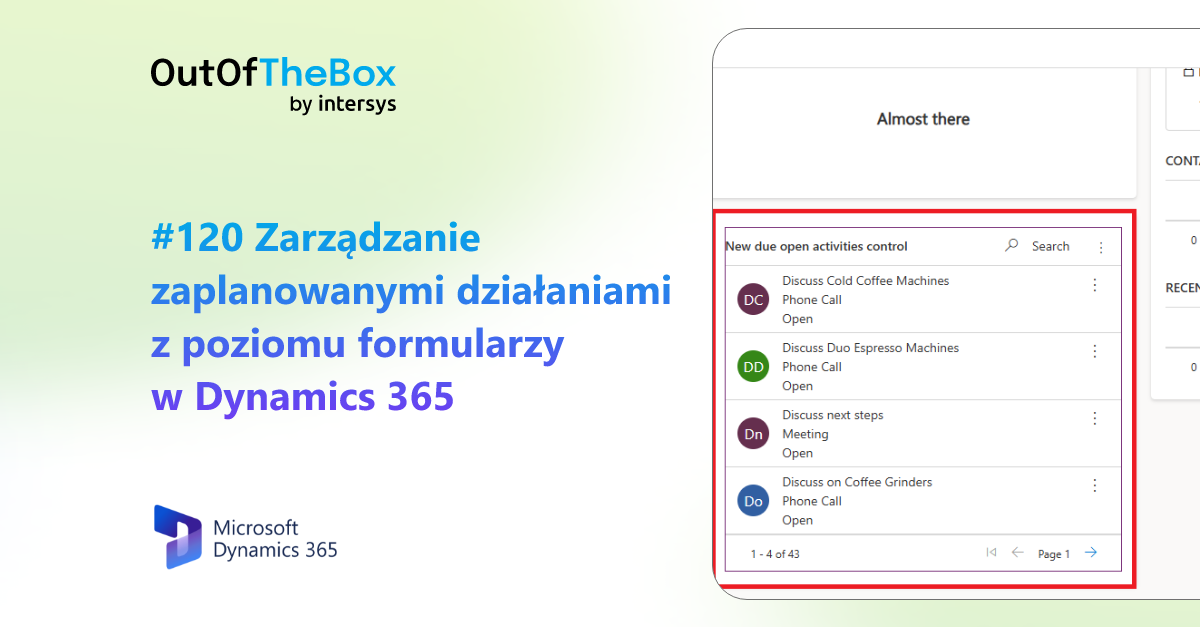
Manage scheduled activities from within forms in Dynamics 365
With a large number of customers, there are times when an employee has to make a lot of calls, take a lot of shuffles and send a fair number of emails....
Published
30.7.2025
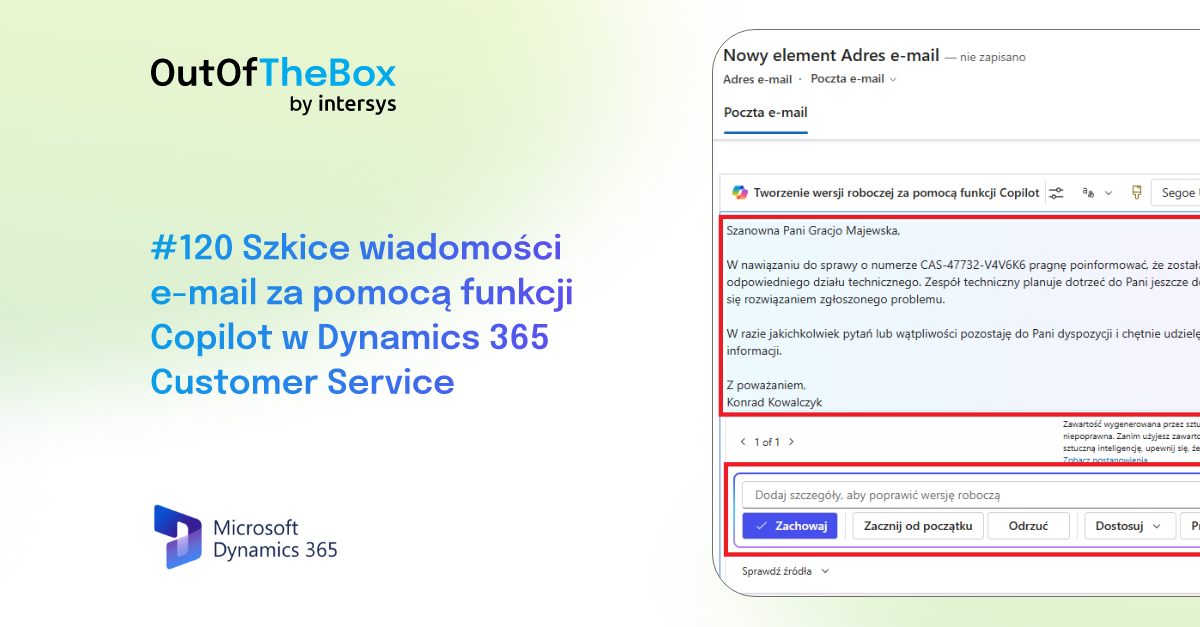
Draft emails using the Copilot feature in Dynamics 365 Customer Service
Responding quickly and accurately to customer inquiries is essential to maintaining customer satisfaction. However, the process can be time-consuming, especially when developing...
Published
16.7.2025

File management in Dynamics 365 Customer Service - Attachment Control
File management in Customer Service is becoming simpler and more intuitive. Microsoft comes with another solution to make things easier for users.
Published
2.7.2025

Garbage can function in Dynamics 365 CRM
We all make mistakes. No one is perfect. Let the one who has never deleted anything by accident throw a stone. Or too hastily. But rest assured. Microsof...
Published
17.6.2025

Unmapped fields in Microsoft Dynamics 365 Customer Insights Journeys (Marketing Automation)
The work of a marketer requires us to collect various types of information, which we use occasionally, incidentally, in certain situations. Often we need dowi...
Published
3.6.2025

Automatic AI image tagging in Microsoft Dynamics 365 Customer Insights Journeys application
The basic task of artificial intelligence, which is appearing in more and more aspects of business systems, is to save time and provide suggestive suggestions...
Published
22.5.2025

Accelerated form completion with the help of Copilot
Execs, databases, business cards. The daily life of people operating various types of CRM systems. Entering more people, entering new sales projects, reporting...
Published
7.5.2025

Built-in Teams Chat in Microsoft Outlook
Speed and consistency of communication is the basis of any company's work. In the age of remote meetings and the need to handle all matters at a moment's notice, the most important thing is the uni...
Published
23.4.2025

Waitlist feature in Microsoft Dynamics 365 Customer Insights Journeys (Marketing Automation)
One of the basic elements of organizing events, meetings, sessions, webinars is participant management. As part of which, a standard problem arises - colle...
Published
9.4.2025

Searching in Dynamics 365 using Copilot for Views
Generative artificial intelligence is appearing in more areas of Microsoft's CRM family of business applications. Another feature is expected to improve search and generate...
Published
26.3.2025

Adjusting the Copilot window while working in CRM Dynamics 365
The large amount of information generated by Copilot when working in Dynamics 365, can sometimes give you a hard time. Often, simple functionalities become solutions...
Published
12.3.2025

Adding Copilot for Sales to the menu of your sales application
More and more sales teams are using artificial intelligence every day, including Copilot for Sales, available in Microsoft Dynamics 365 Sales. It is therefore worth...
Published
26.2.2025

D365 Customer Service case handling time
The D365 Customer Service application proposes a new feature - case handling time (familiarization version). This term refers to the time during which users actively work...
Published
12.2.2025

Dynamics 365 Sales - Document summary using Copilot
Have you ever had to analyze a contract or agreement document with a client with regard to the most important issues and lost a lot of time doing so....
Published
29.1.2025

Microsoft Copilot for Sales - free up valuable time and potential for your sales teams
In today's dynamic sales environment, teams often face several key challenges. Salespeople spend a significant portion of their time performing...
Published
20.1.2025

New smart copy and paste functionality in Dynamics 365 CRM
In December 2024, Microsoft introduced the Smart Copy - Paste feature in Dynamics 365 CRM, available in a familiarization version.
Published
15.1.2025

Contextual email drafts with Copilot for Sales in Dynamics 365
The AI revolution is underway. Copilot's adaptation to be an intelligent assistant to each user includes more CRM features. One of these features is.
Published
11.12.2024

360° Summaries in Copilot for Sales
A "360°" view is the magic phrase for CRM systems. Complete, detailed knowledge of the customer from one place is often the key to completing many processes....
Published
27.11.2024

Manage queue items directly from the case form in D365 Customer Service
Once again, Microsoft is reaching out to users and striving to streamline our work, valuing our time and helping us organize our workspaces. Among the available features...
Published
13.11.2024

Adding notes before saving a record
Microsoft's Dynamics 365 continues to expand, this time coming with a new feature. With it, users can not only take notes, but also attach documents in c...
Published
30.10.2024
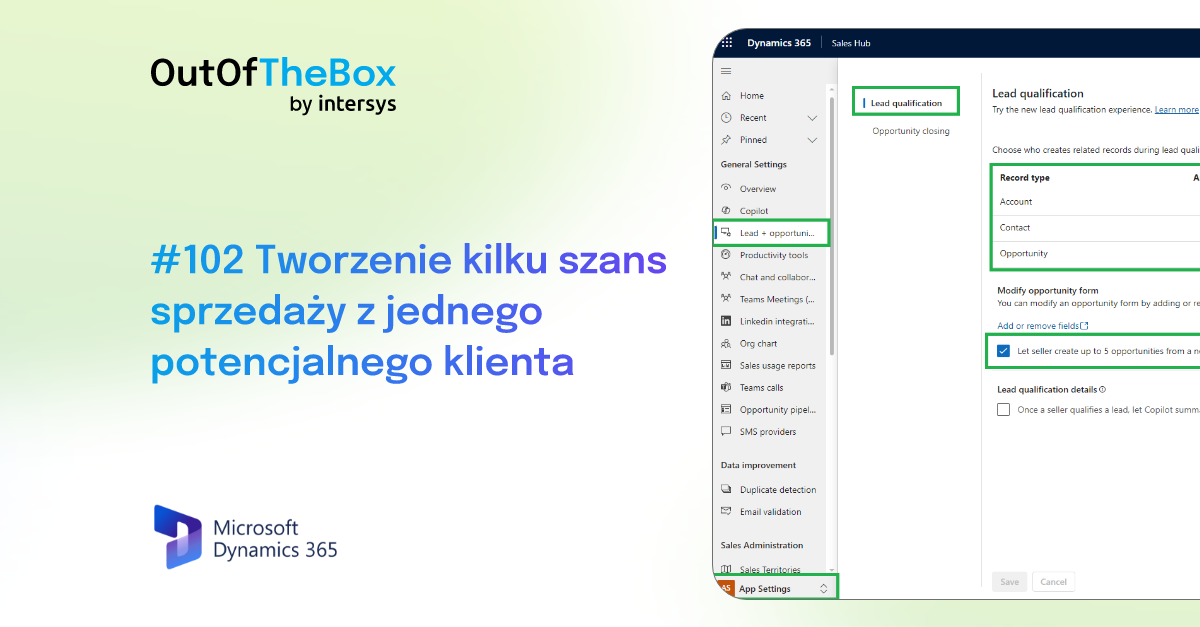
Create several sales opportunities from one potential customer
Microsoft is introducing new features in Dynamics 365 Sales that will make it easier to use and manage records related to leads and opportunities...
Published
16.10.2024

Copilot startup screen in Dynamics 365 Sales
History is slowly happening before our eyes. The laborious sifting through the CRM system to find the right information, clicking from view to view, from form...
Published
2.10.2024
.png)
Intersys Webinar: Celebrate 100 Out of The Box episodes with Us on DynamicsBlog by Intersys!
💡 Weren't able to attend our 100th anniversary webinar we held to celebrate 100 episodes of Out of The Box on DynamicsBlog by Intersys? Nothing lost!...
Published
19.9.2024
.png)

Quickly add fields to multiple views and forms
A user asks to add a new field to a form and seventeen views, the bane of an administrator. If you are a super user or business administrator,...
Published
18.9.2024

Grouping and Aggregation of records on views and subgrids
Microsoft Dynamics 365 is constantly introducing features that streamline business processes. One of the new features available in Wave 2 is enhanced grouping and aggregation capabilities...
Published
4.9.2024

A summary of the conversation from the Timeline on the Contact form.
The Customer Insight Journey application continues to evolve and Microsoft is adding more new features and functionality based on Copilot. Artificial intelligence...
Published
21.8.2024

Unified inbox in Customer Service
One of the key challenges in customer service is time. Often, all that separates a customer who is satisfied with a response from one who is frustrated by our lack of response is...
Published
31.7.2024

Widget Up Next
The Up Next widget displays activities that you can view and perform on records. By default, it appears on lead and opportunity records...
Published
19.6.2024

Marketing Calendar
Microsoft continues to develop its CRM tools, which help users better understand the system. There have been many recent updates to the application...
Published
5.6.2024

Copilot: segment creation assistant for Microsoft Dynamics 365 Customer Insights Journeys
More on saving time. Today, we’ll look at one of the core features of marketing automation tools: creating target groups. A common headache and...
Published
22.5.2024

Copilot campaign building assistant in Microsoft Dynamics 365 Customer Insight Journeys
It’s starting to sound more and more obvious, but we’re talking about facts. Business AI should help save employees’ valuable time. Marketing is a department...
Published
8.5.2024
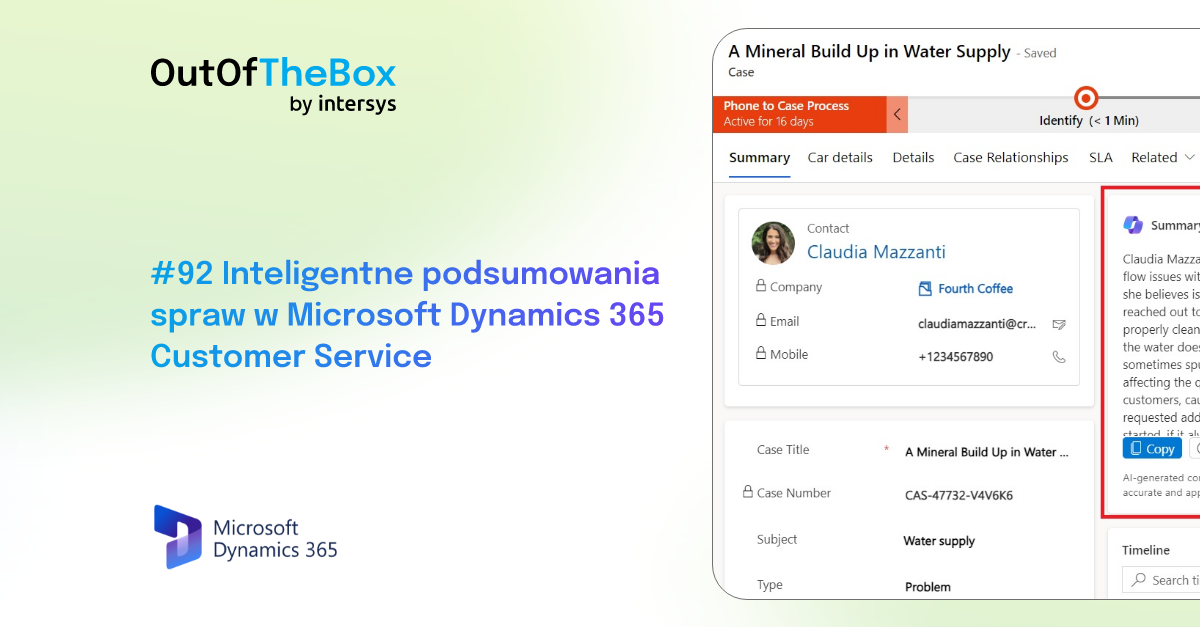
Intelligent case summaries in Microsoft Dynamics 365 Customer Service
In customer service, speed is what counts. Speed in responding and delivering solutions—which, of course, goes hand in hand with quality. You can’t achieve speed and quality without...
Published
17.4.2024

Copilot for Sales in Microsoft Outlook and Dynamics 365 Sales
Emails. A daily part of the work routine for virtually every modern employee. Studies show that, on average, we spend 2 to 3 hours a day at work reading and replying to...
Published
3.4.2024

External Customer Information in Microsoft Dynamics 365 Sales Copilot
Information comes first. As a salesperson, every detail, every piece of information, and every piece of news about a potential or existing customer can turn into a significant step toward the final...
Published
13.3.2024

Copilot summaries in Microsoft Dynamics 365 Sales application
The AI revolution is spreading everywhere. CRM systems are no exception. One of the key tools recently introduced into these systems...
Published
28.2.2024

Combining activities with multiple records in Dynamics 365
Microsoft is constantly striving to innovate and provide its users with more and more features designed to make working in its environment easier. One of the new...
Published
14.2.2024

Enabling inspection history tracking in Microsoft Dynamics 365 application
On the Dynamics 365 platform, tracking inspection history in tables and columns is a key component of data management and change tracking. In the case of...
Published
31.1.2024

Managing "Cases" in Dynamics 365 Customer Service
Customer contact is one of the most important aspects of a company’s operations. Resolving issues that arise regarding the products offered or...
Published
17.1.2024

Creating an assignment rule in Dynamics 365
In Dynamics 365, assignment rules are a mechanism that allows you to automatically route new leads, sales opportunities, and detailed information to...
Published
20.12.2023

Quick Data Acquisition Forms in Microsoft Dynamics Customer Insights Journeys
Collecting contact information, a quick form for gathering data. Standard scenarios in which we want to add essential information to our database. With the help of...
Published
6.12.2023

Customizing content with Copilot in the email text editor in Dynamics 365
Recently, the Microsoft Dynamics 365 CRM system has gained many new features and user-friendly enhancements thanks to the integration of D365 with Copilot. Artificial...
Published
22.11.2023

Adding tabs to the timeline in Dynamics 365 CRM
In the second wave of the 2023 release of Dynamics 365, Microsoft has introduced a new timeline tab feature. The functionality allows users to set desired filters on the activity...
Published
8.11.2023

Managing records using Focused View (Selective View)
Focused View is a control that allows you to focus on the current task view, effectively manage records, and perform actions on the page...
Published
25.10.2023

Categorizing content articles in Dynamics 365 Customer Service
The second release wave for Dynamics 365 introduced a new feature that allows users to categorize knowledge articles in the Customer Service app. Thanks to this classification...
Published
11.10.2023

New look in model-based applications
Microsoft has introduced a Try the New Look feature that allows users to see how the application interface will change according to the latest design system....
Published
27.9.2023

Rewriting inactive employee entries in Dynamics 365 CRM
Layoffs. Extended leaves of absence. Internal transfers within the company. Labor market mobility among our users can be a challenge, even from the system’s perspective. Dyn...
Published
13.9.2023

Manage application access using security roles
Microsoft Dynamics 365 offers many features and locations where you can assign and define security roles. One of the features available directly...
Published
31.8.2023

The pipeline view in Microsoft Dynamics 365
Quickly generating sales-related reports is one of the tools sales teams use in their daily work. With numerous contracts, business transactions, and...
Published
16.8.2023

Linking MS Teams to the timeline of record in Dynamics 365
Records in the "Contacts," "Accounts," or "Leads" tables include a timeline that allows users to view activity history. It shows...
Published
2.8.2023

Collaboration key to Microsoft success - Microsoft Inspire summary 18.07.2023
Microsoft Inspire was a unique event that highlighted the importance of collaboration in Microsoft's success. With more than 400,000 partners worldwide - eco...
Published
25.7.2023
%20(1080%C3%971500%20px)%20(1000%C3%971400%20px)%20(600%C3%97600%20px)%20(4).png)

New timeline capabilities in Dynamics 365 CRM modules
The timeline is the central feature of every CRM application in the Dynamics 365 family. Its features enable fast, efficient, and effective management of activities and...
Published
20.7.2023

Using a QR code in Dynamics 365 Marketing to check in attendees to an event
Checking in participants at events such as trade shows or conferences can often be a time-consuming process that requires a lot of manual work and gathering information from...
Published
5.7.2023

Setting up an email signature in Dynamics 365 Sales
Dynamics 365, like Outlook and other email tools, allows you to send emails. The email you send should be formatted the same way as in Outlook, by...
Published
22.6.2023
Automated forms for an event in Dynamics 365 Marketing
The Dynamics 365 system offers a wide range of capabilities and features that facilitate real-time and outbound marketing management. One of the features that...
Published
7.6.2023

Stakeholders and team members at D365 Sales Opportunities
When working in Dynamics 365 Sales, you should keep track of who the stakeholders and team members are. To do this, you can use...
Published
24.5.2023

Products on the D365 Sales Opportunity System
Working with Sales Opportunities is one of the core features of the Dynamics 365 Sales CRM system. It is a place that makes it easier for users to manage their open...
Published
11.5.2023

Dynamics 365 Sales - Competitors
Every business owner—whether just entering the market or already established—needs information to assess their competitors’ activities. The purpose of competitive analysis is...
Published
19.4.2023

Task templates in Dynamics 365 Marketing - an easy way to follow up!
Follow-up. A key term in the day-to-day work of salespeople and marketers. Have we completed a task? Made a sale? Sent out an email campaign? The next step should be...
Published
5.4.2023

Short forms in Microsoft Dynamics 365
For virtually every business application, quick access to information is essential. As few clicks as possible, the most efficient use of resources...
Published
22.3.2023

Segmentation with additional and custom tables in Microsoft Dynamics 365 Marketing
In the latest episode of #OutOfTheBoxCRM, Paweł Krulikowski and I will take a closer look at segmentation using additional and custom tables in Microsoft Dynamics 365 Marketing.
Published
9.3.2023

Filters in quick search in Dynamics 365 CRM applications
One of the core features of any database is the search function. Entering search criteria in a simple, clear, and intuitive way that should return the results you expect...
Published
22.2.2023

Merging Records in Dynamics 365 CRM
The primary function of a CRM system should be to ensure the consistency, transparency, and uniformity of the database. Duplicates, ambiguous records, and repeated entries—all...
Published
8.2.2023

Push notifications for Dynamics 365 and Power Apps mobile apps
Staying up to date. This is the primary goal of all users of CRM systems and Power Apps. One of the most important features of these types of solutions is the speed of delivery...
Published
27.1.2023
Emojis in your Microsoft Dynamics 365 system
There are many ways to revitalize your CRM system. One feature offered by Microsoft Dynamics 365 is the use of emojis to make the experience more enjoyable for your users...
Published
11.1.2023

Automatically selecting the best time to send an email
When sending newsletters to customers, it’s crucial to determine the best time to send them. Sending them at the right time significantly boosts the open rate. In the app...
Published
11.12.2022

Customer Voice – Key Data
Dynamics 365 Customer Voice is a customer feedback management application that can be used to track the customer metrics that matter most to the company...
Published
23.11.2022

Marketing page templates in Dynamics 365 Marketing
A marketing landing page is a website that serves as a point of contact with customers as part of a marketing campaign. For example, we can send an email with...
Published
2.11.2022