

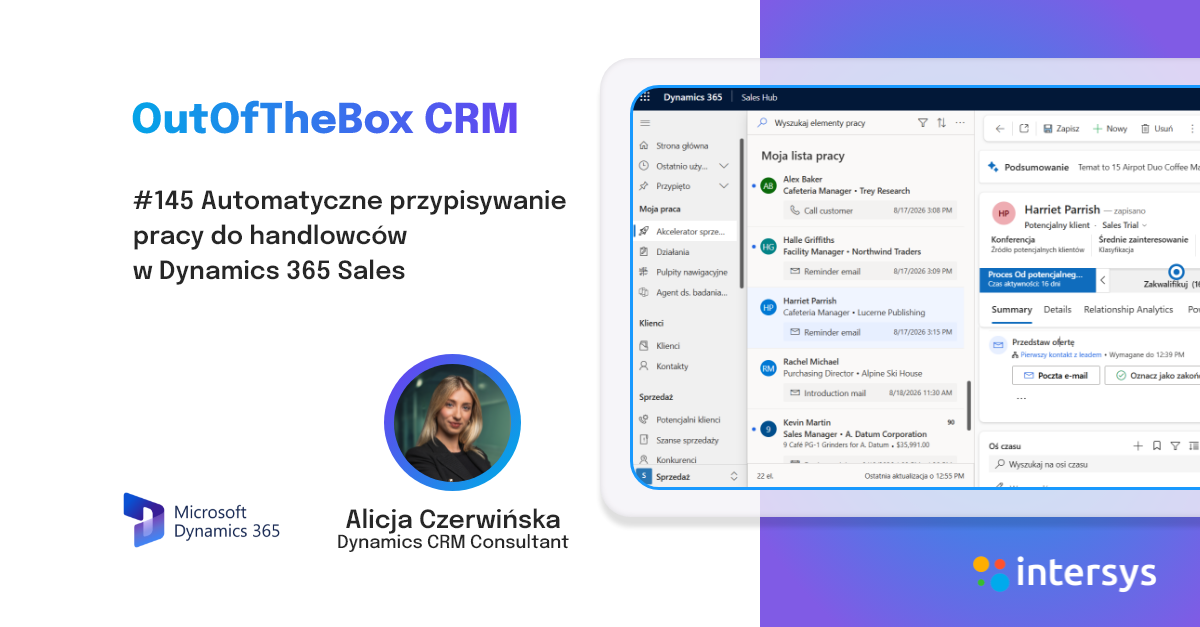
It has been noticeable for quite some time now that Microsoft has been planning changes to the interface issue on its application sites. We have a new look, which has been further supercharged with a refresh of the appearance of the header/pastel and navigation menus. A feature that is very simple to incorporate, aimed at supporting focus on user tasks and improving productivity.
To enable the new appearance feature, go to the app designer. Here we select settings and choose the "Features" tab. Here we search for the "Refresh header and navigation" function. We save and publish our changes.
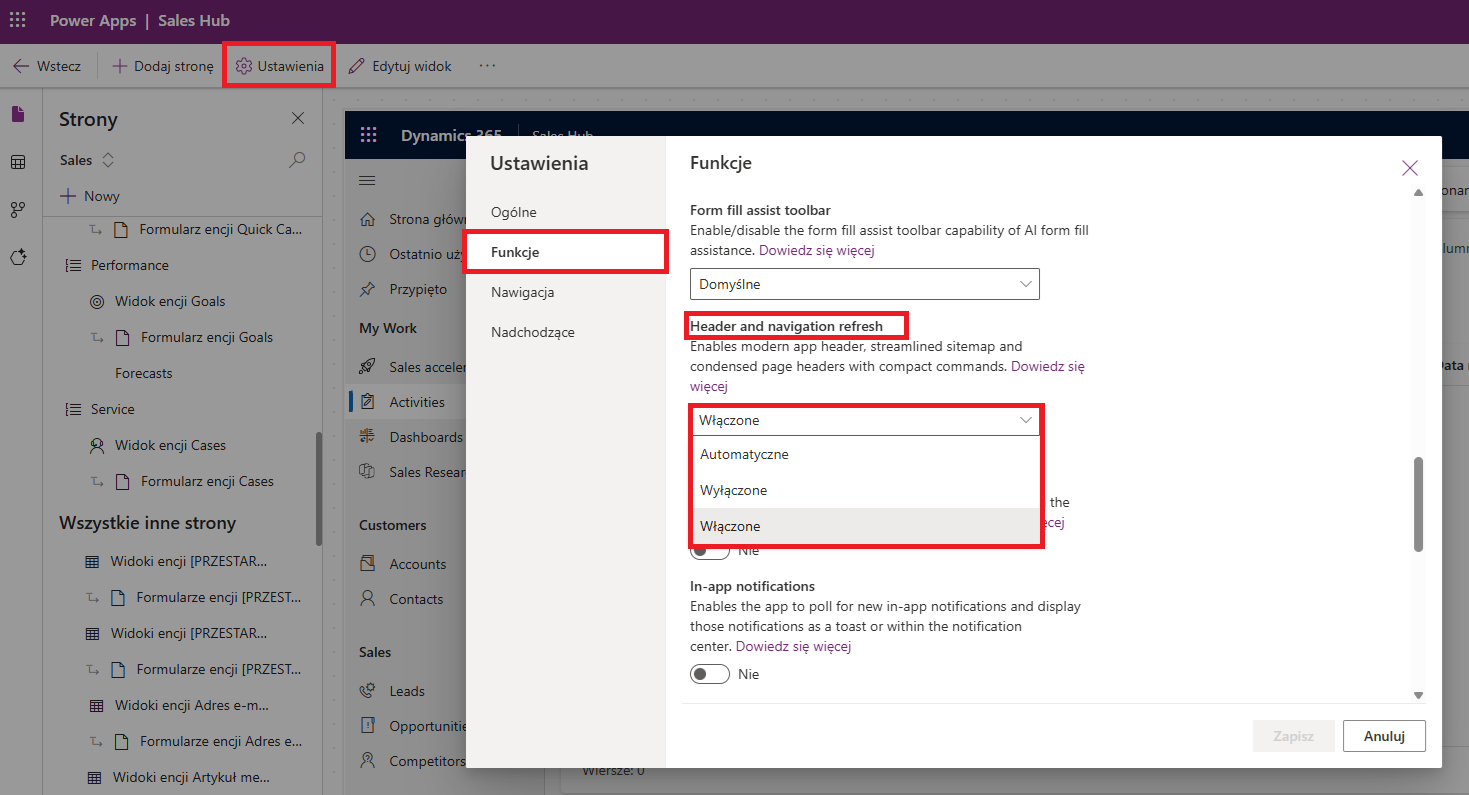
The system is taking a while to introduce a new look. It is very possible that in the future it will be a pre-imposed appearance option by Microsoft, so it is worth getting used to this look slowly, which is expected to improve the user experience.
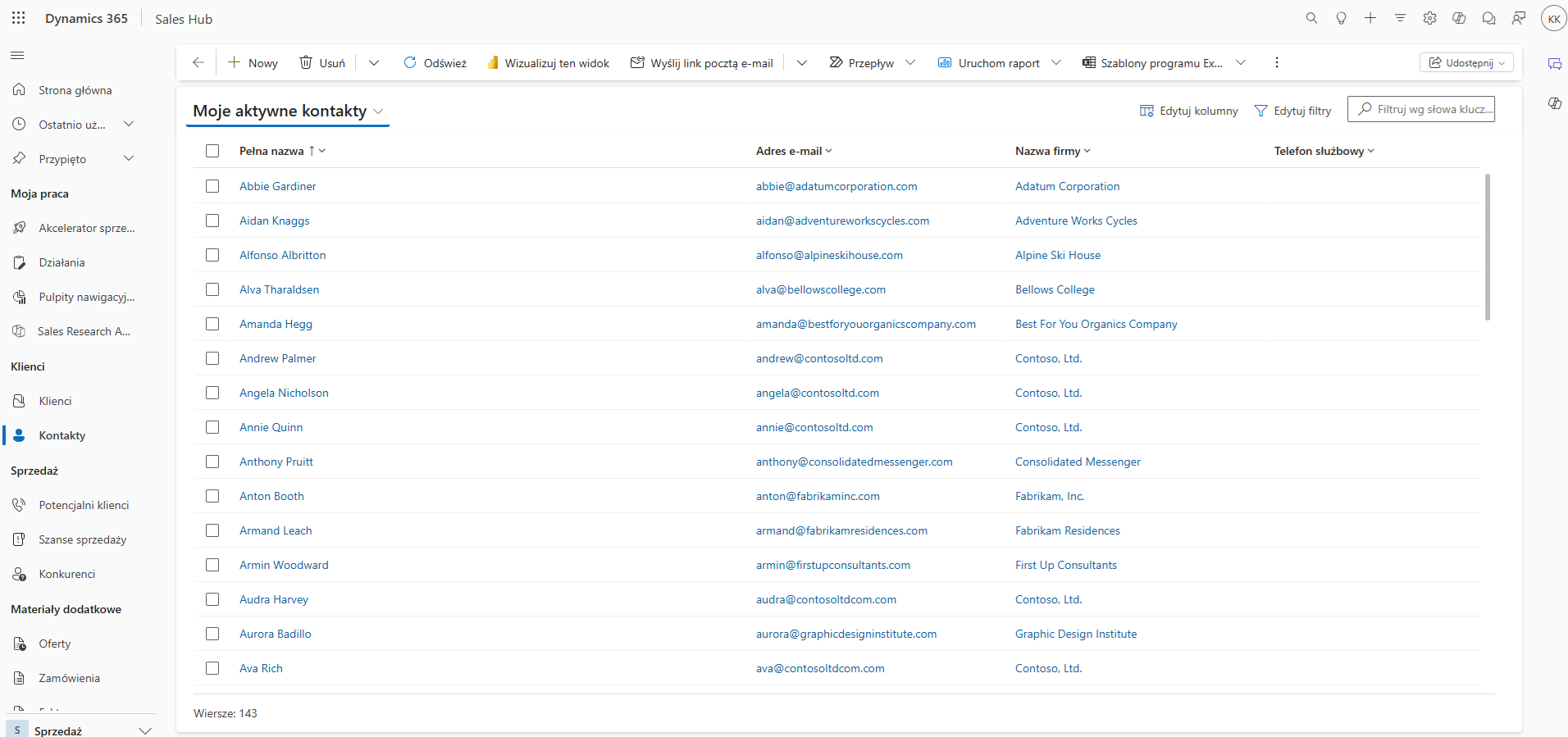
The changes made are based on the Fluent Desing System interface, a set of design principles that prioritizes clarity, consistency and modernity. This isn't just a cosmetic change - it's a thoughtful update to improve usability and ergonomics.
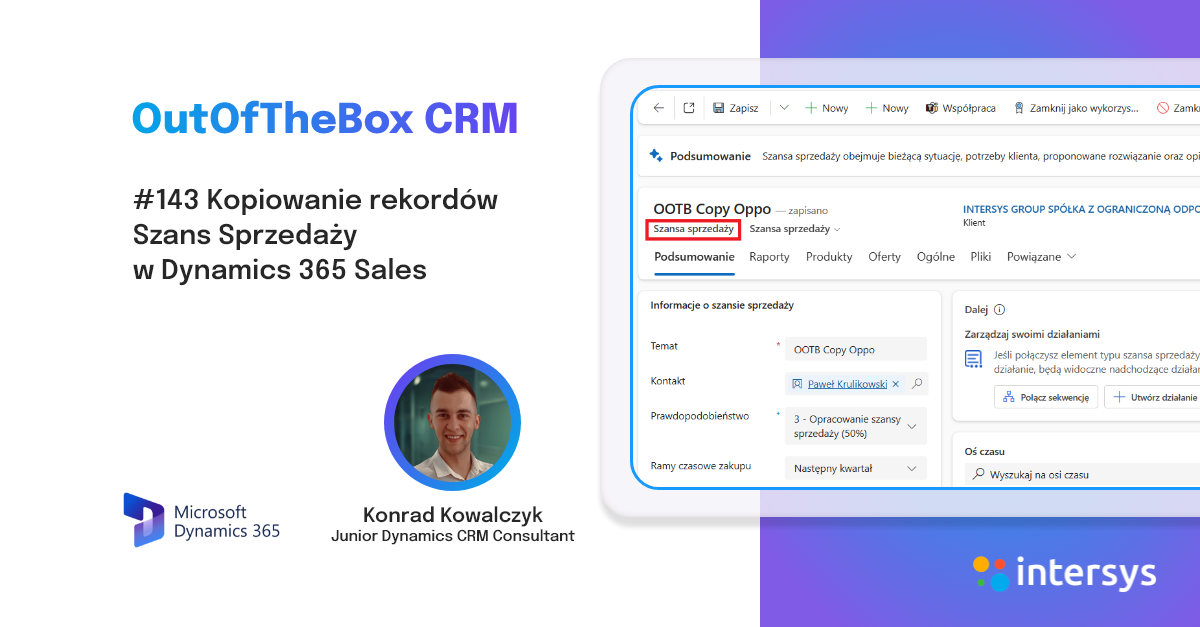
Changes can also be seen on the records of individual tables:
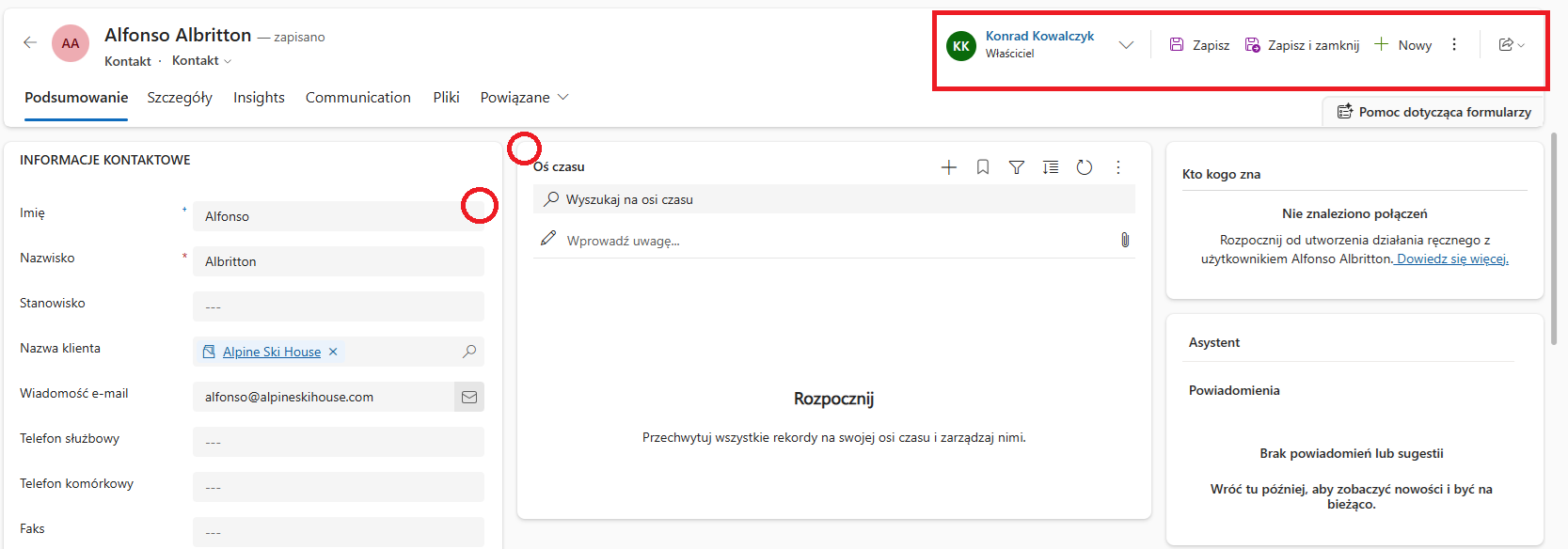
It's a change that may seem subtle and doesn't strongly affect the type of work we do, but in practice it should affect the efficiency of users, and that's because users should find the information they need faster, and the interface doesn't distract, but supports focus on tasks, while maintaining full color and aesthetic uniformity.
Thank you very much for your time and I invite you to follow our DynamicsBlog to stay up to date with all the news and tidbits in the world of Dynamics 365. Until we hear from you!


.png)