%20(1080%C3%971500%20px)%20(1000%C3%971400%20px)%20(600%C3%97600%20px)%20(7).png)
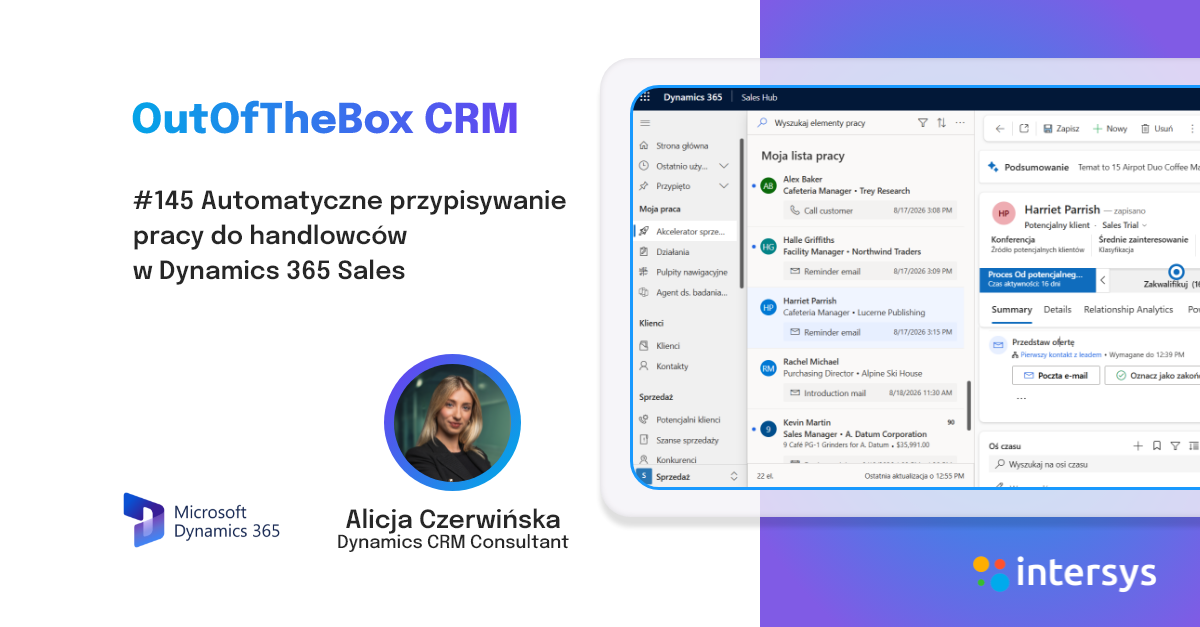
A while back, Paweł Krulikowski —Head of the Dynamics CRM Department—demonstrated how the sales accelerator works and how to configure sequences in Dynamics 365 Sales using an older version of the interface.
Today, this area looks different. What has changed? Not only has the appearance of the application changed, but so has the way sequences are handled, edited, and analyzed.
Sequences in Dynamics 365 Sales continue to play the same crucial role—they help organize sales activities, standardize the steps involved, and guide sales representatives through the process of interacting with customers or managing sales opportunities. A previous Intersys article highlighted precisely this value: standardizing activities , supporting salespeople’s daily work, and making it easier to onboard new team members.
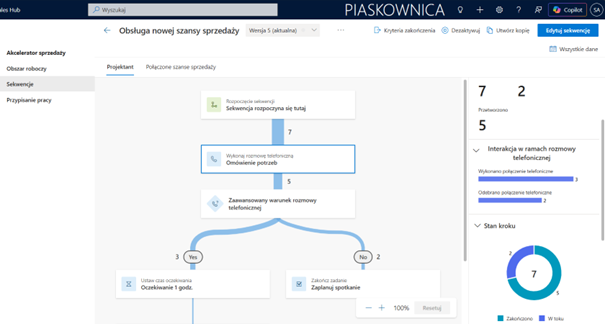
What stands out most today is the new sequence designer. It is more intuitive and does a much better job of illustrating the logic behind the entire process. Users can see the starting point, subsequent activities, and the conditions and branches that direct records along different paths.
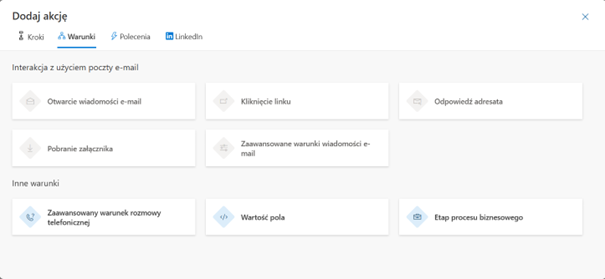
The new interface also offers more configuration options. A sequence can include various types of actions, such as automatically sending emails and text messages. Another change is the ability to define conditions based on the outcome of the previous step or the current stage of the business process. This allows for a more accurate representation of the actual sales process and enables it to be tailored to the specific needs of the organization.
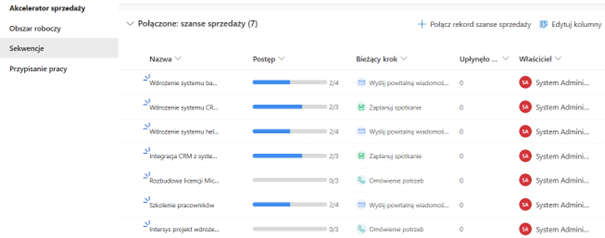
Another important change is how progress is tracked. Sequences are no longer just a tool for planning activities. Now it’s much easier to see how many records flow through a sequence, which stages they go through, and how they are distributed across individual process paths. This provides better insight into how sequences work and allows you to assess more quickly whether the process is functioning as intended.
From a business perspective, this offers several concrete benefits. First, it makes it easier to standardize sales representatives’ activities. Second, sales managers gain better control over the execution of the process. Third, the designer itself becomes not only a configuration tool but also a clear visualization of the process that can be used when discussing work procedures with the team.
So if you’re only familiar with sequences from the older version of Dynamics 365 Sales, it’s definitely worth revisiting this topic. With a new interface, greater configuration flexibility, and improved analytics capabilities, sequences are now an even more practical tool for supporting sales.
In addition, the licensing requirements for launching the sales accelerator have changed. Sequences are now also available in Sales Enterprise, but there is a limit of 1,500 records per month.
Ready to take your CRM management to the next level? Contact us:
🚀 Email us at sales@intersys.pl
🚀 Fill out the form on the left ("Contact Us" button)

.png)