
In the Business Central system, picking is the process of combining inventories that are part of the offered assortment to form sets. There are two types of picking process:
- Assemble tostock - applies tostock where the picking process is simple and is to be put into stock before sale.
- Assemble-to-order - applies to inventory that is not stocked due to the need to reduce storage costs
Useful terms:
👉 Picking boom - determines the components (inventory or resources)necessary to complete the picking inventory
👉 Completed inventory - is a saleable inventory, including a list of components of completion
👉 Components - standard inventory (raw materials or finished goods)
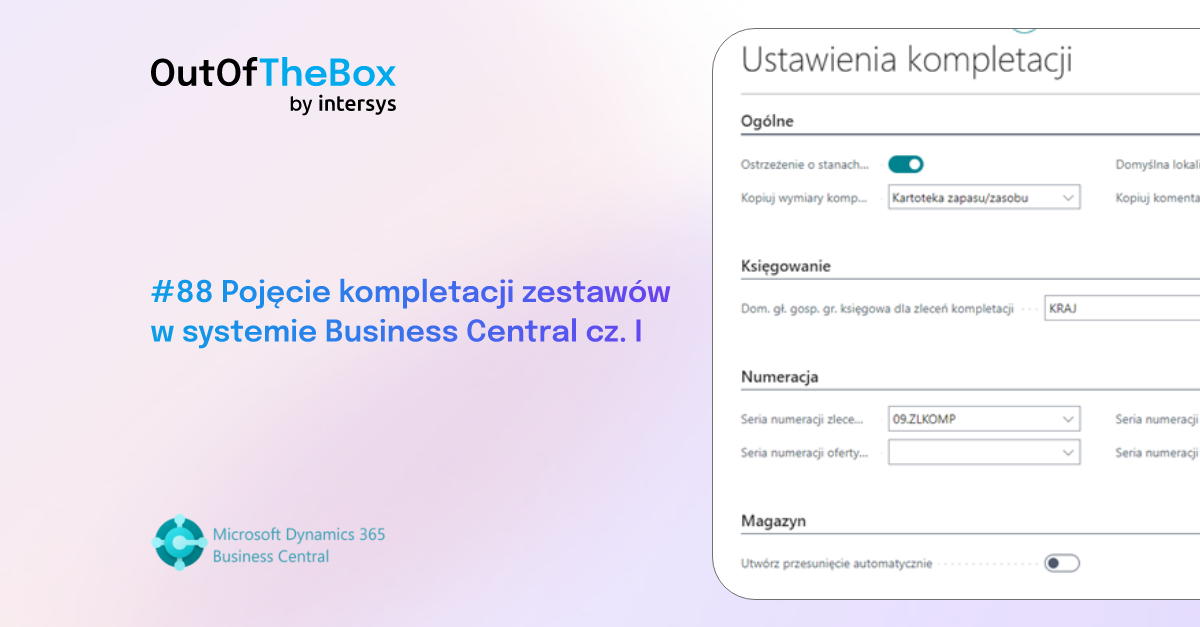
To implement the functionality of picking, we must first review its basic settings. In the Business Central system, we use the magnifying glass to navigate to the Picking Settings file, where it is required, first of all, to indicate the Dom. head. accounting gr. for picking orders as well as the numbering series of working and posted picking orders.

We proceed one by one to the stock file, in order to create a stock to be completed. On the desired stock, we go to the Replenishment section, where we select the Replenishment Method - Picking and the Picking Rules - Picking to Stock, which we will focus on in this section.

Wanting to create the structure of the kit, that is, to determine what components are included in the kit, we go to the kit picking BOM file by clicking on NO, in the picking BOM field.

On the ribbon, select +New, and then on the rows add the inventory to be included in the Picking Set, completing the Type, No., Quantity and Unit of Measure fields. Optionally, we can add a comment in the BOM, such as "Please secure with additional wrap," which will carry over to the picking order lines.

Navigating on the lines in the BOM, then Show BOM, we go to the BOM Structure file of the set.

By going to the ribbon in Inventory Availability by BOM level, we can verify how many kits we are able to create from components available in stock. On the same ribbon, we can calculate the inventory price and unit price for a kit and check the cost shares.

Stock picking is primarily used for kit picking and direct storage, and has the added feature of being able to identify the components and the kit itself by Serial No. or Lot No.. While our buyer has placed an order for a kit and we have individual components in stock, if we want to assemble the components into a kit we go to the Picking Order file using the magnifying glass .

Using +New, on the ribbon we go to the picking order, where we fill in basic data such as Inventory (Set) No., Location Code, Quantity. The system automatically for the assigned Set completed the stock in the lines according to the set picking BOM, along with a comment to the warehouse worker about the additional security.

It remains for us to verify the quantity, inventory tracking lines for the kit and components (if required) and proceed on the ribbon to posting. We can verify the effect of the posted picking order on the inventory file, where the system has created one master set from the available components.

Thus, we were able to complete a completed stock consisting of the individual components of the completion, according to the completion BOM.
What if you have a kit in stock, but only need to sell one component included in the kit?
To help us in the Business Central system comes the functionality of decompletion using the Inventory Log. Using the magnifying glass, we go to the Inventory Journal, choose Decompletion from the list of templates. In the first line, we select In-minus Adjustment as the Record Type, and in the Inventory No. window, we select our set. In the following lines, we complete the inventory, which are the components of the set, as the Entry Type In-plus Adjustment . When executing the decompletion process, we must remember to properly record the cost of individual inventory units.

After posting the decompletion document, going to the inventory file, we see the individual inventories that were previously components of the kit already available in stock.

To sum up, thanks to the functionality of stock picking, we have the ability to efficiently combine inventory into a kit, tracking by Serial No./Part No. the components as well as the kit itself. Decompletion, on the other hand, allows us to break the set back down into its components. That's all for today on the subject of picking, in the next part we'll look at order picking and compare the two types of picking with each other.
Personally, as always, I encourage you to test the features and follow our blog to learn more useful capabilities of the Business Central system!


.png)